
Let KrobClick help with everyday tasks
Free online tools
All in one click
No account needed. All tools process your input in your browser.
Try using shortened words like “PDF”, “QR” or “interest”.

Pick a tool and get started
From file tasks to the figures you need
PDF Editor — edit and organize PDF pages
Reorder, rotate, or delete PDF pages, then download your edited file. Works in your browser without uploading files.
Open tool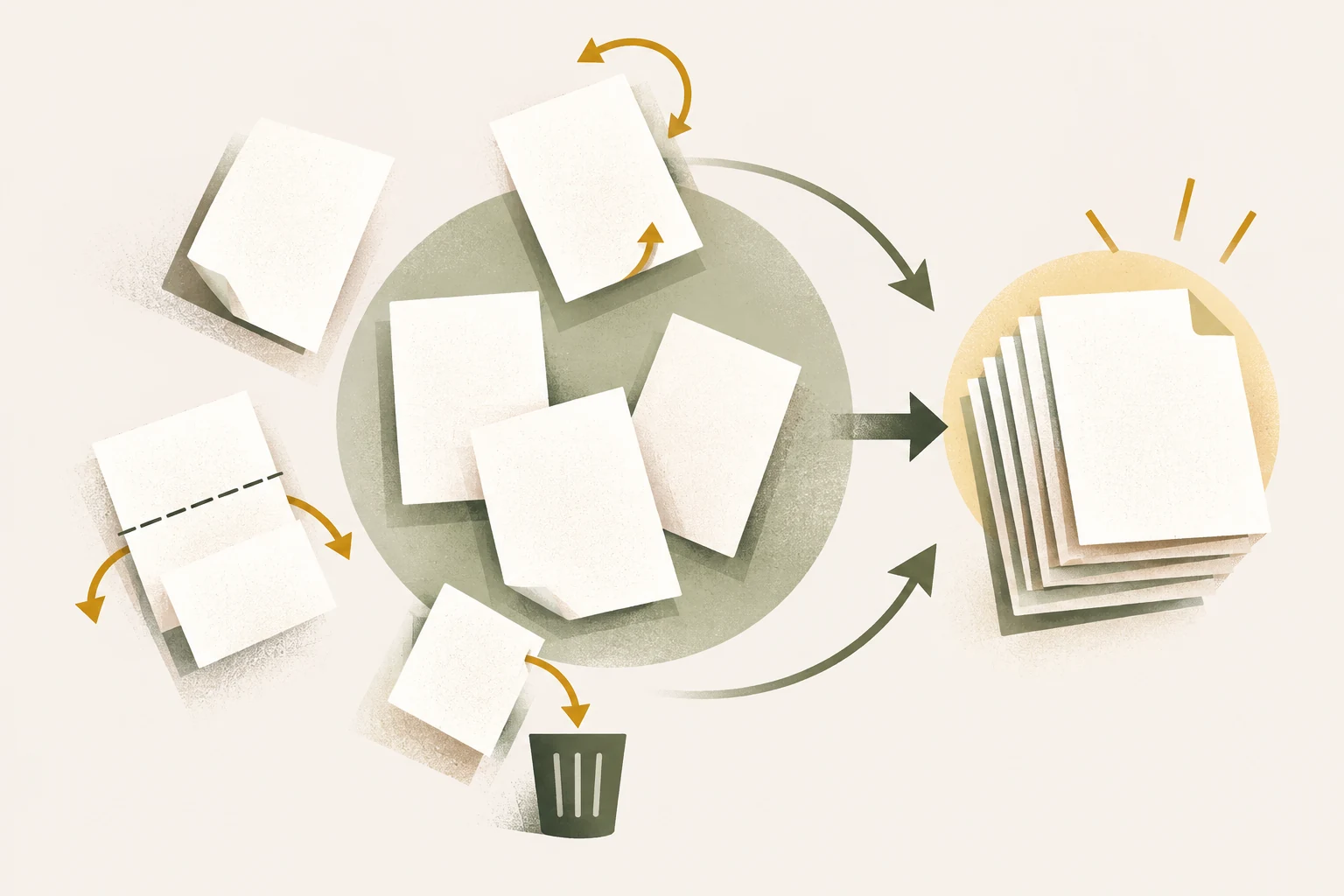
QR Designer
Create 14 QR types with colors, gradients, logos and shapes. Check the image before downloading.
Open tool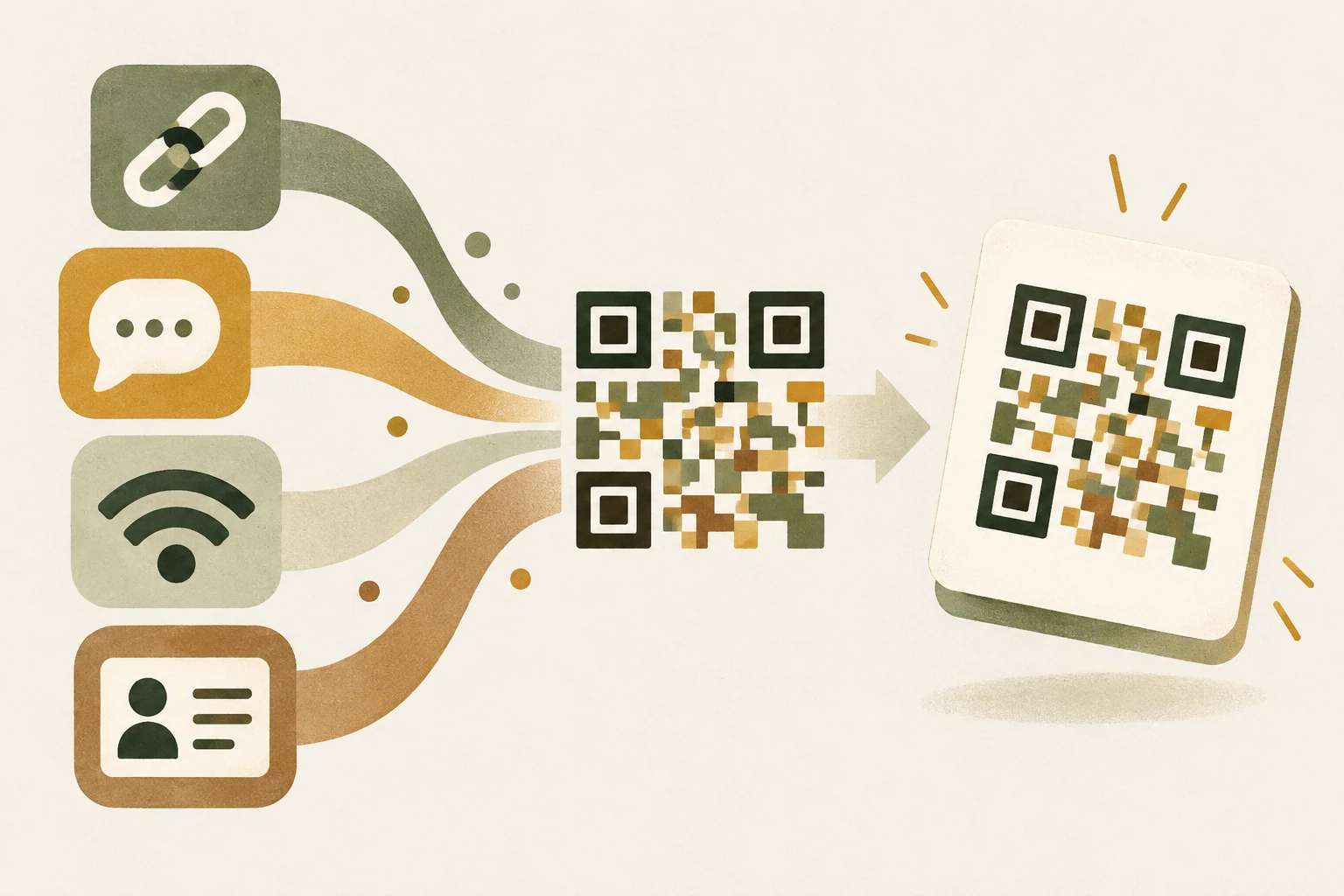
Image converter & resizer
Resize and convert up to 20 images, set a target file size, and download the results as a ZIP.
Open tool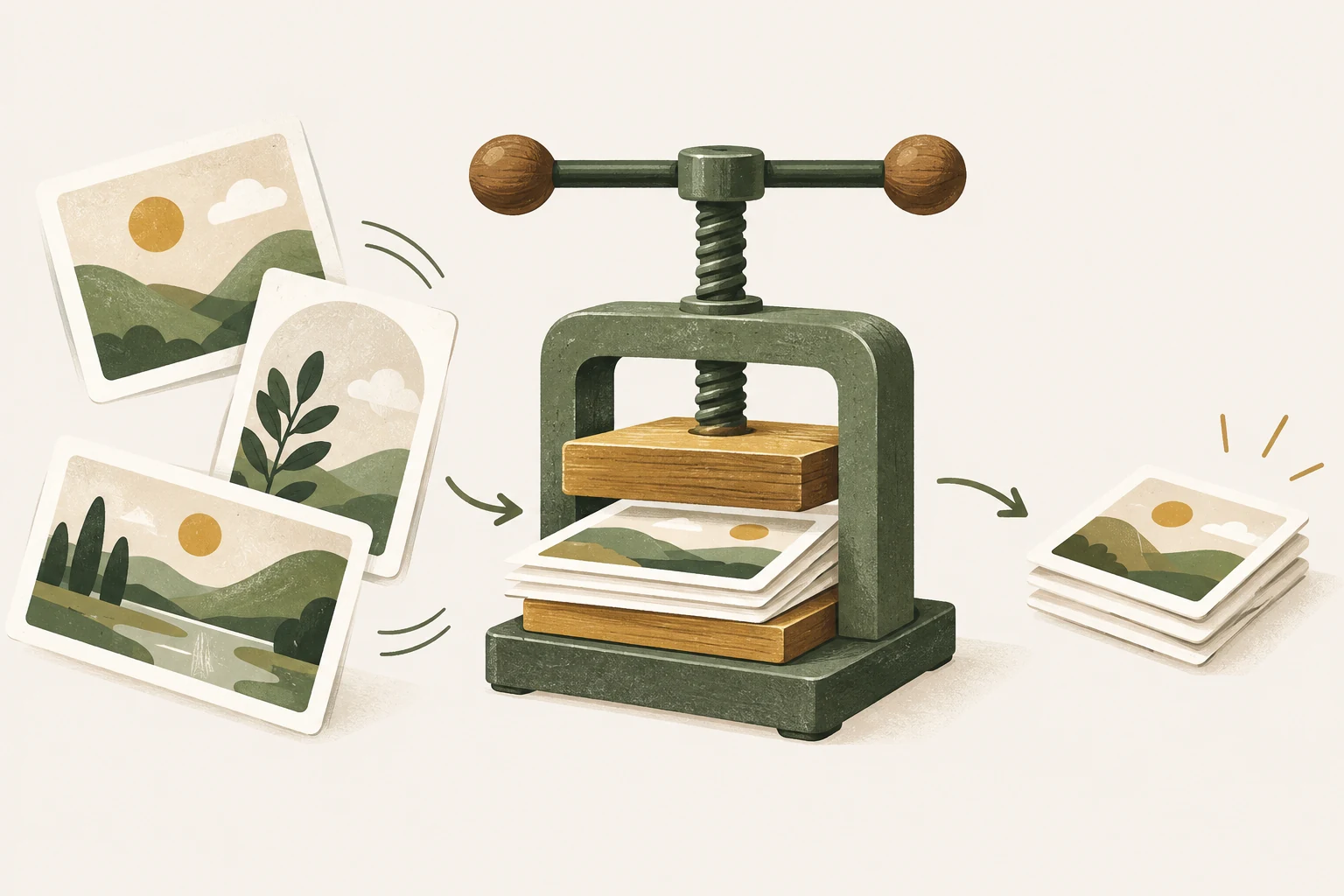
DCA calculator
Estimate cumulative contributions and future value from monthly investments, duration, and returns
Open tool
Create static LINE stickers
Arrange static LINE sticker sets, place images and text per slot, set a shared background color, autosave work, then check and download ZIP files
Open tool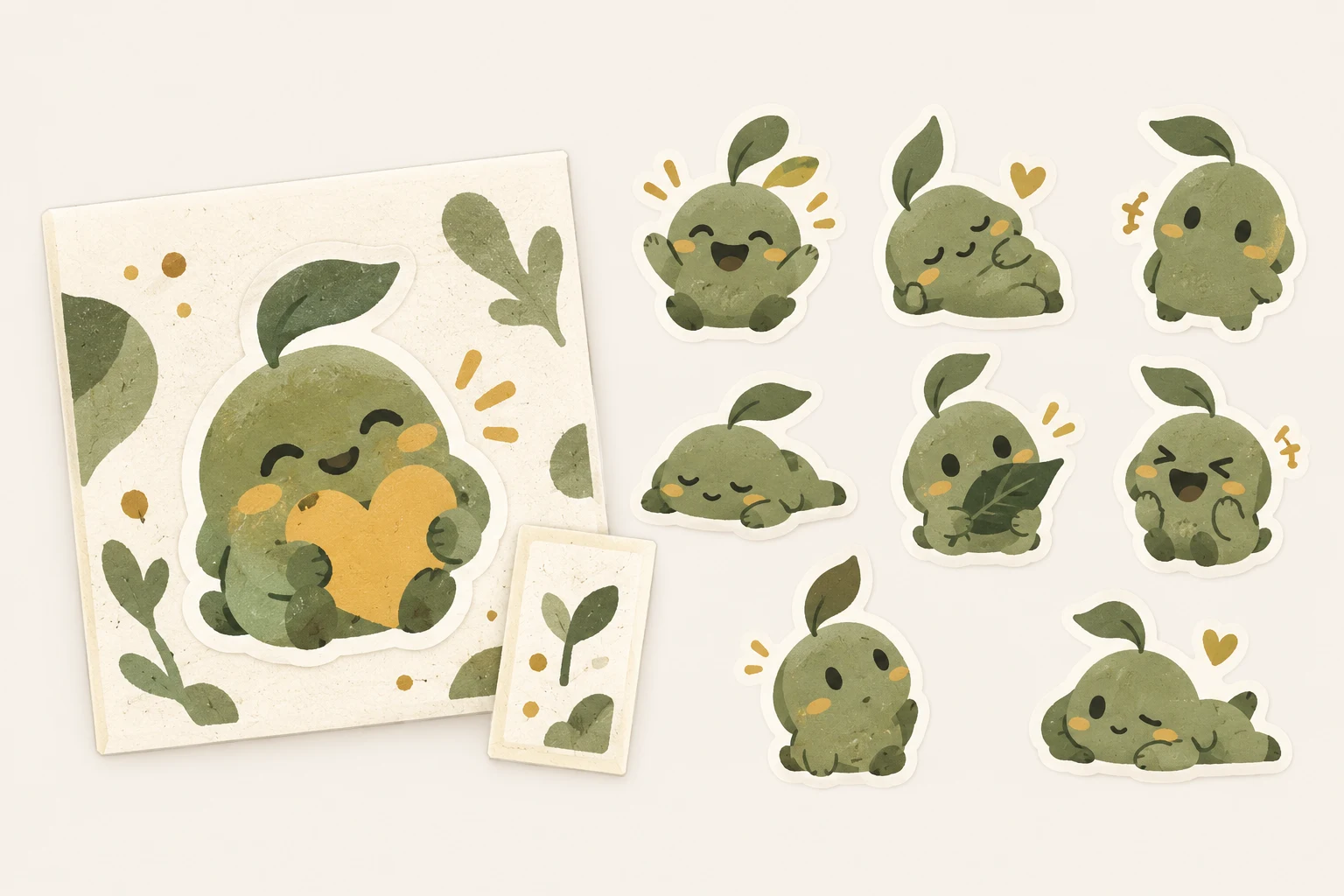
Create animated LINE stickers
Arrange animated LINE sticker sets, edit images and text frame by frame, choose main and tab images, inspect APNGs, and download ZIP
Open tool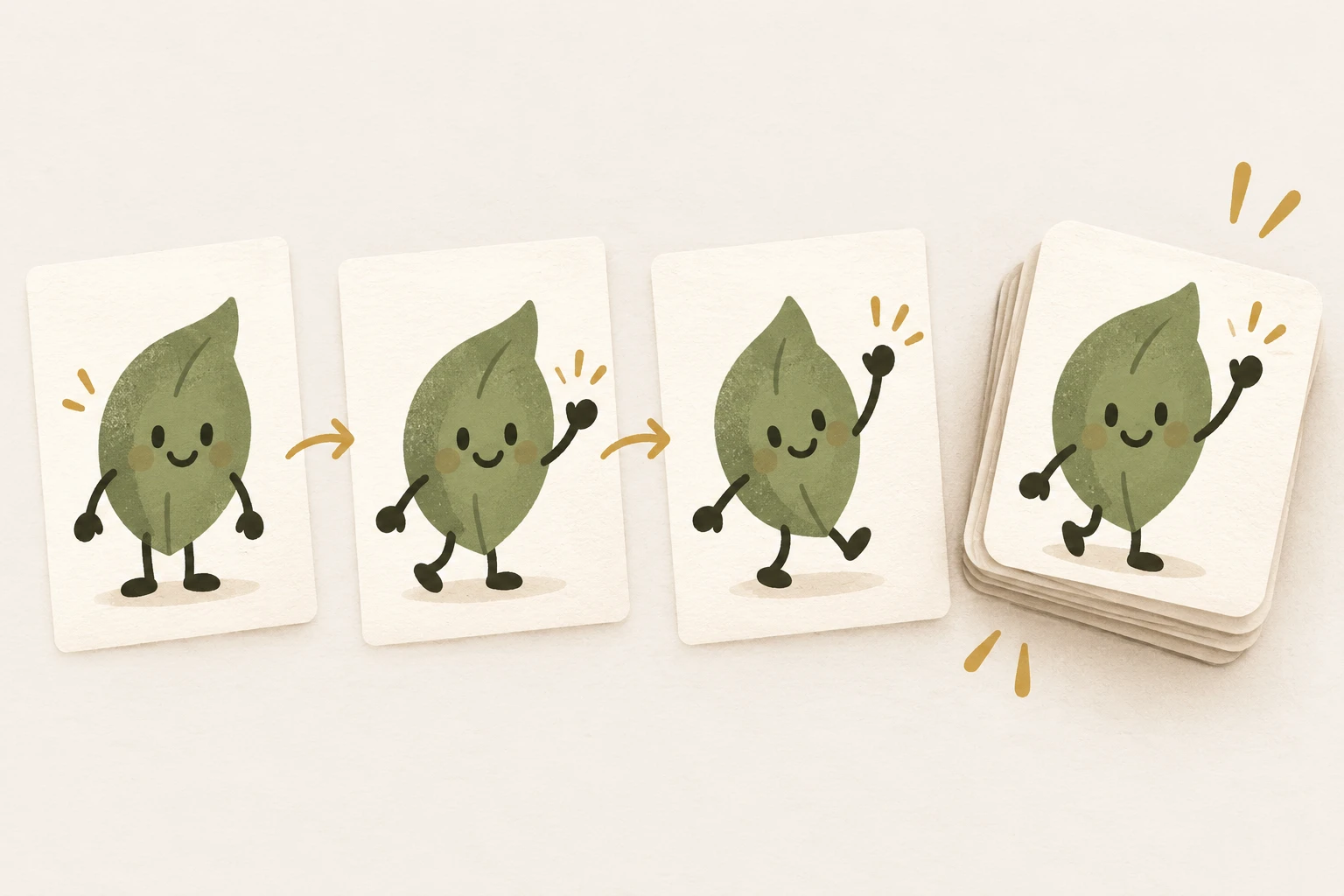
Understand it, then apply it
Latest article with examples and limitations you should know.
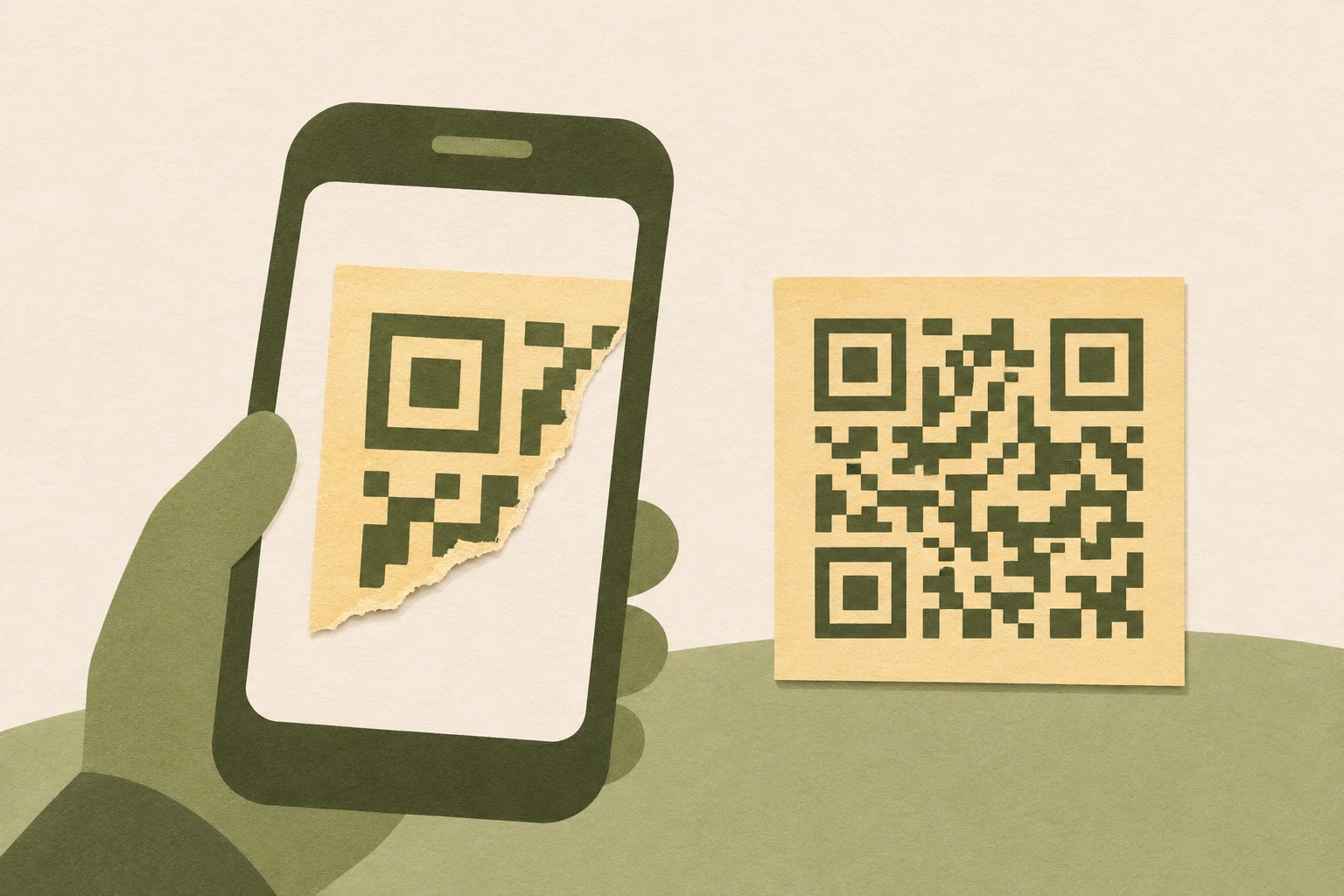
Why won’t my QR code scan?
Use a scan test to tell whether the problem is with the image or the destination link.
Read article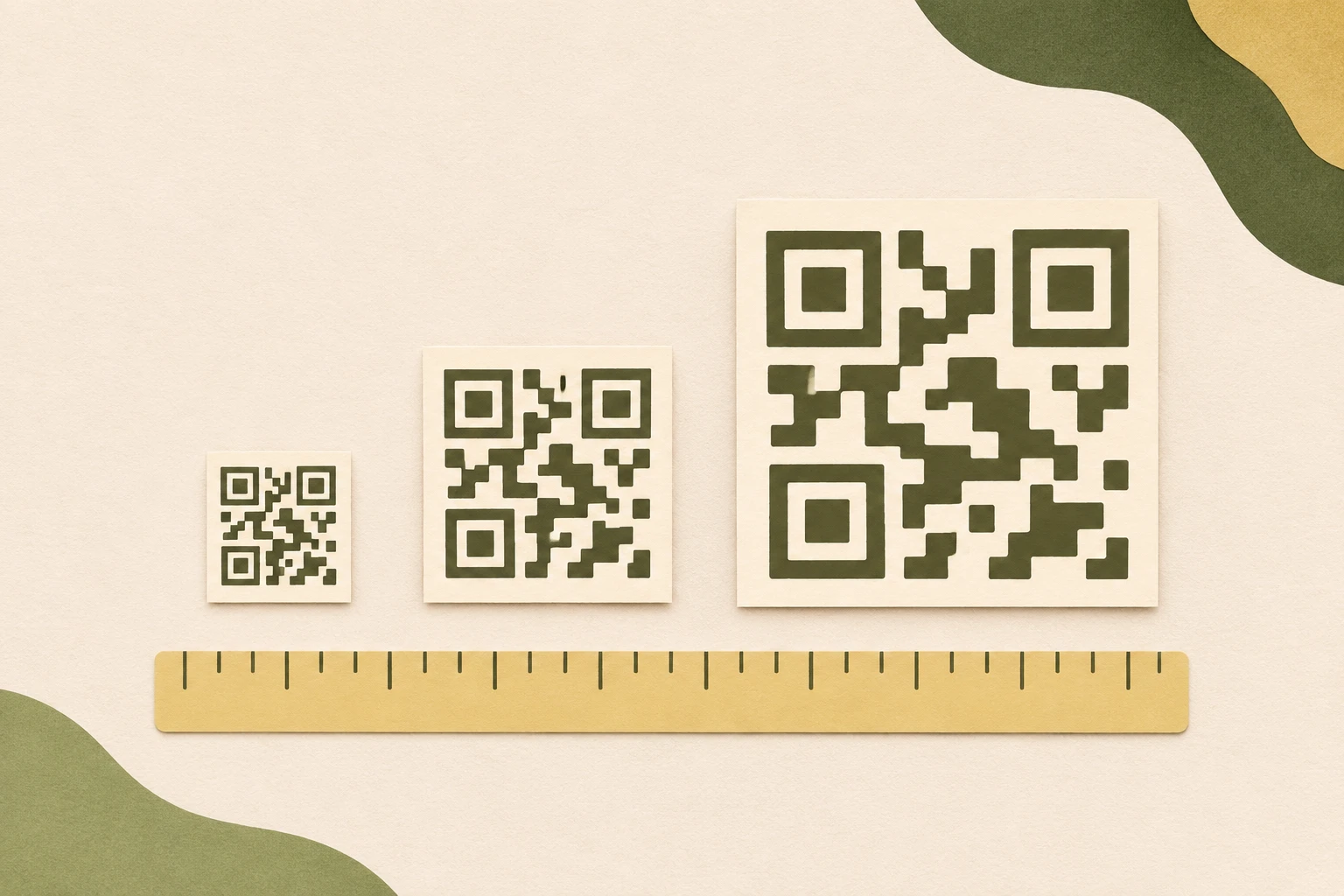
What size should a QR code be?
Calculate the size of a QR code including its clear margin, then test it from where people will stand.
Read article
How to add a logo to a scannable QR code
Try a small logo, check the downloaded file, and test the printed result before sharing.
Read article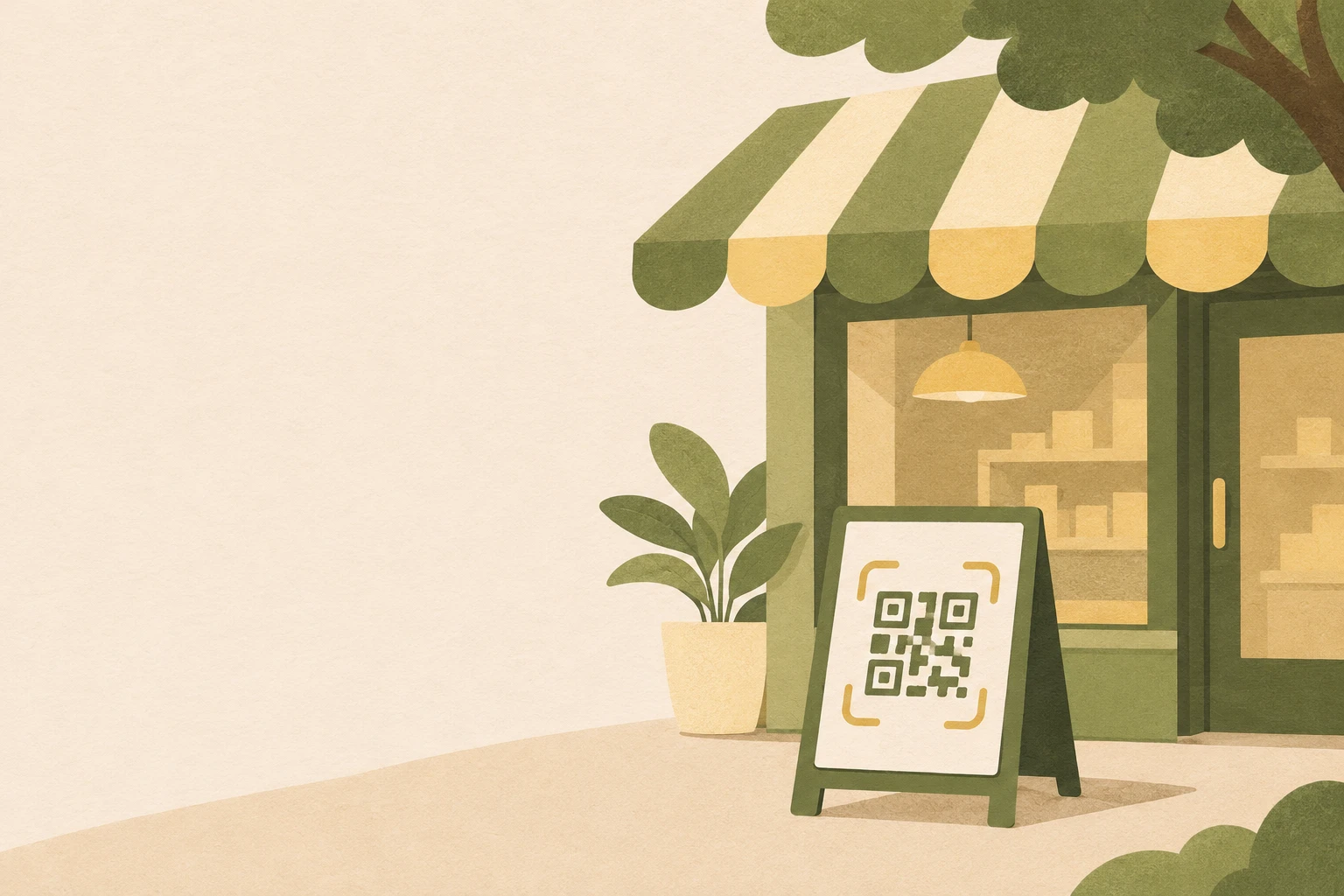
How to make a QR code sign for your store
Choose a QR code for the storefront, order counter, or checkout, then test it after installing the sign.
Read article
How to create a QR code for a business card
Choose between a vCard QR code and a link to a contact page, then check a sample before printing your business cards.
Read article
How to create a QR code for a location
Create a QR code from a map link, then check the pin, branch, and entrance before sharing.
Read article