
Hermes on Raspberry Pi 4: ARM64 Setup and Always-on Use
A Raspberry Pi 4 8GB can host Hermes Agent and its Messaging Gateway at home. The Pi runs the agent, memory, tools, and connections; language-model inference may take place on external services. This guide covers 64-bit Raspberry Pi OS and checks to complete before continuous use.
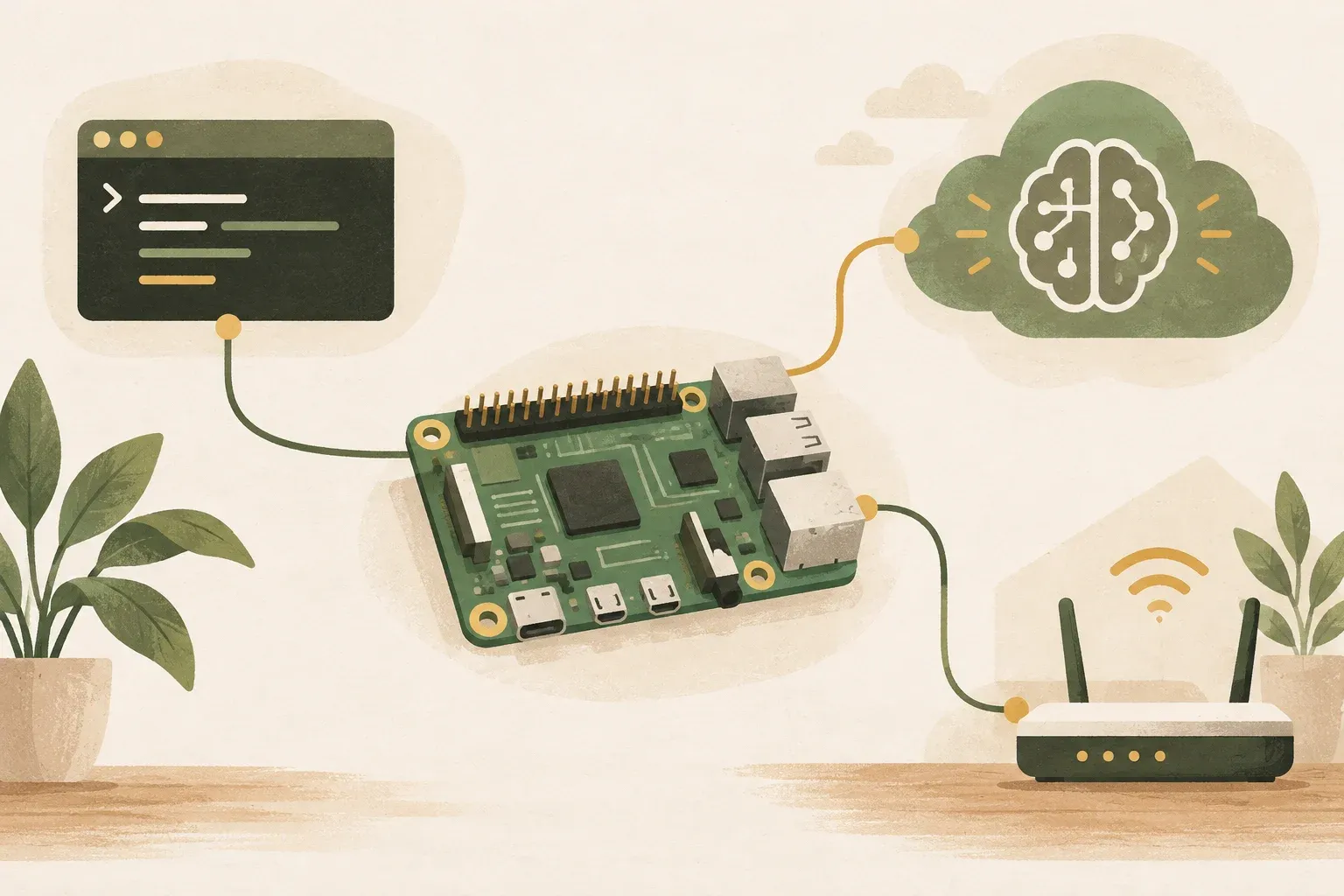
Which parts of Hermes can run on a Raspberry Pi
Hermes Agent is agent runtime not a single language model. As the main host, the Raspberry Pi runs Hermes, sessions, memory, skills, tools, cron, and Messaging Gateway. Model reasoning depends on the chosen provider. With Nous Portal, OpenRouter, Anthropic, or other services, necessary messages and context are sent for processing under that provider's policy.
A Raspberry Pi 4 8GB does not need a GPU to use Hermes with an API-hosted model. Its 8GB RAM does not establish that large language models will run well locally. For local inference, use a separate machine with suitable resources and connect Hermes through an OpenAI-compatible endpoint.
| Segment | Typical execution location | What to check |
|---|---|---|
| Hermes CLI and Gateway | Raspberry Pi | Operating system, CPU, RAM, storage and systemd |
| Memory, skills and session | Files under Hermes' home on the Pi | Free space, file permissions, and backups |
| Model inference | Defined external provider or local server | Cost, latency, privacy and context limits |
| Messaging | Gateway on Pi connects to Discord, Telegram or other channels. | token, allowlist and internet connection |
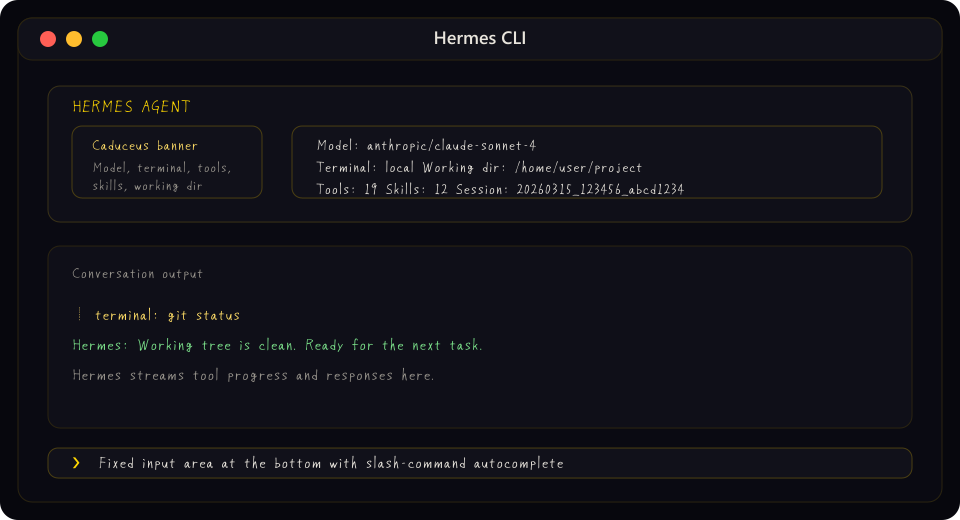
Prepare a Raspberry Pi 4 with 8GB RAM for headless use
Platform Support checked October 29, 2026 lists Linux / WSL2 on x86_64 and aarch64, with testing on recent Ubuntu and WSL2. This is not certification of every Raspberry Pi OS configuration or a Pi 4 benchmark. For this guide, use 64-bit Linux ARM64 and match the installer requirements for your version.
For a new device, use 64-bit Raspberry Pi OS or Linux ARM64 with glibc and systemd then check the basics first:
uname -m
cat /etc/os-release
free -h
df -h
systemctl --version
Value uname -m should show aarch64 For the ARM64 setup explicitly covered in the documentation, use a stable power supply, cooling, and a good-quality microSD card or SSD if logs and sessions will be written continuously. Small files on day one do not imply storage will remain small after browser use, downloads, or months of saved work.
Install Hermes and test a conversation before adding Gateway
The installation command for Linux according to Quickstart is currently:
curl -fsSL https://hermes-agent.nousresearch.com/install.sh | bashInstructions of the form curl | bash downloads and immediately runs a script. To inspect first, download and read it, verifying the domain against the official repository before execution. After installation, open a new shell or load your profile, then check health:
source ~/.bashrc
hermes doctor
hermes model
hermes
hermes model helps configure providers, authentication, and models from the terminal. Do not place API keys in articles, public dotfiles, or shared command history. On Pi, start with an external provider supporting tool use, establish normal chat first, then add browser, MCP, cron, or Messaging Gateway individually.
For headless installation without browser automation, the Installation documentation offers --skip-browser to reduce Playwright-related steps, accepting that Hermes browser tools remain unavailable until required components are installed later
Set up Gateway to continue running without creating duplicate services.
Start by configuring messaging and testing in the foreground so errors are visible:
hermes gateway setup
hermes gateway run
After a test message receives a reply, install the Linux background service:
hermes gateway install
hermes gateway status
This command creates the systemd user service according to the documentation. To keep the user service running after exiting SSH, lingering may be turned on for that user:
sudo loginctl enable-linger $USER
journalctl --user -u hermes-gateway -f
Another option for headless machines that must start at boot is a system service:
sudo hermes gateway install --system --run-as-user <ชื่อผู้ใช้>
sudo hermes gateway status --system
journalctl -u hermes-gateway -f
Choose only one approach. Do not unintentionally install both user and system services with the same token: two gateways may compete for messages. Hermes warns about duplicate service units, but designing for a single owner from the outset makes logs and troubleshooting easier.
Monitor the Pi’s health and limit agent permissions
Having an agent open all the time increases both convenience and risk. At least these four groups should be examined:
- Resources: Use the first three commands to check RAM, storage, and uptime. If Raspberry Pi OS provides the temperature command, run the last line too. Record readings while the Pi is idle and under load.
free -h df -h uptime vcgencmd measure_temp - Gateway status: check
hermes gateway statusand logs after an actual reboot. A successful foreground run alone does not establish always-on operation. - Permissions: Enable only necessary toolsets, folders, and MCP servers. File edits, messages, and system commands need approvals appropriate to their impact.
- Secret: Restrict file permissions
~/.hermes/.env, do not back up tokens to the repository, and rotate them immediately if they have appeared in public logs or screenshots
Do not expose a home Pi's ports publicly just for Discord or Telegram; Gateway already connects outward. For remote administration, use authenticated channels with source restrictions rather than exposing dashboards or SSH without additional protection.
Raspberry Pi is suitable when you want to control the machine yourself, while VPS reduces the burden of maintaining hardware.
| Issue | Raspberry Pi 4 8GB | VPS |
|---|---|---|
| Data location | Keep sessions and files at home | Stored on provider infrastructure |
| Internet and electricity | Depends on the network and home electricity. | Usually backed by data-center infrastructure, but depends on the SLA |
| Maintenance | Manage storage, cooling, power, and backups yourself | Manage the operating system and security while the provider maintains hardware. |
| cost | There are equipment and electricity costs. Not always zero | There is a monthly fee and traffic fees may apply. |
| Suitable tasks | Personal assistant, gateway, cron, and small file tasks | Tasks needing uptime beyond the home environment or easy scaling |
For a Raspberry Pi 4 8GB, start with Hermes CLI and an API-hosted model. Test one kind of task and one Gateway channel first. Monitor RAM, temperature, storage, and logs during actual use, then add browser automation, multiple bots, or a separate local model server once the constraints are understood. A successful installation alone does not establish readiness for continuous operation.
Sources
- Nous Research: Hermes Agent Platform Support
- Nous Research: Hermes Agent Quickstart
- Nous Research: Hermes Agent Installation
- Nous Research: Messaging Gateway and Service Management
- NousResearch/hermes-agent: Raspberry Pi 4B ARM64 installation discussion
Hermes Agent main-branch documentation reviewed October 11, 2026. Commands, installers, and platform support may change. Raspberry Pi 4 8GB is a hardware example, not a KrobClick benchmark or long-term stability claim.