
Hermes Bot Mode: Profiles, Group Chats, and Task Delivery
Multiple bots help when they need separate roles, memory, tools, or review stages. This article distinguishes bots, Group Chat, and subagents, with a Researcher–Writer–Reviewer example readers can adapt.
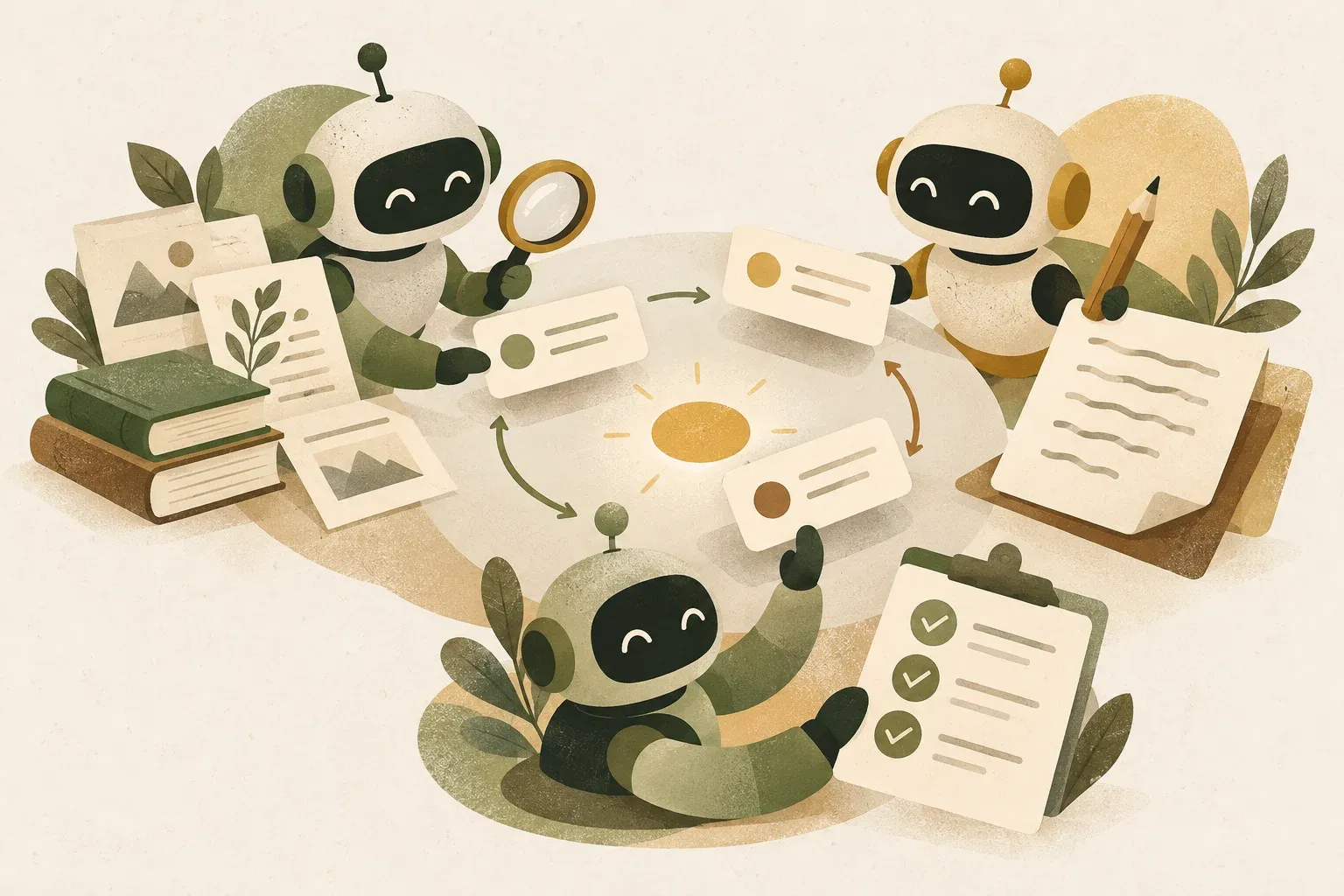
Each Hermes bot uses a separate profile
The feature is called Bot Mode and a room where multiple bots collaborate is called Group Chat Therefore, these two words should be used instead of “Bot Group” in order not to be confused with chat groups or general Discord bots.
Hermes documentation explains that one bot has one profile under ~/.hermes/profiles/<name>/ Profiles separate config, memory, skills, credentials, and chat history. Hermes Desktop's Bot Mode presents them as bots with dedicated chats, avatars, and routines without adding another runtime type.
| Approach | Suitable for | Context and task lifetime |
|---|---|---|
| Bot | Reusable specialists with their own memory and skills | Continuously through profile and regular Bot Chat |
| Group Chat | Have 2-6 bots consider the same task in a shared-reading room | Each member has a room-specific session, and the room retains shared history |
| Subagent | Ad hoc subtasks that need to be separated or parallelized | Created as the task requires, without needing to be a permanent specialist on the roster |
| Single Bot | Linear work with one scope and toolset | It is easy to control costs and check the source of answers. |
Use multiple bots when scopes truly differ, rather than merely giving them different names
Separate bots when they need different source policies, tools, MCP servers, models, credentials, memory, or completion criteria. If they all read the same data and use the same tools and rules, adding bots may increase model calls without adding new evidence.
- Should separate: Researchers need web access and source collection; reviewers should inspect evidence read-only without publishing permissions
- May not require separation: Work summarizing one email that a single Bot can read, draft, and check formats at a single prompt.
- Subagent should be used instead: A temporary task where you must search three topics at once, but without having a permanent memory or persona.
Example team: define responsibilities before personalities
In Hermes Desktop, open Bots → New Agent. The short route uses Name, Title, and Description. Advanced selects a source profile, model/provider, SOUL.md, skills, toolsets, and MCP servers. Current documentation permits copying static API keys into the bot's separate credential store, while some OAuth types require that profile to sign in separately.
The sample team should define auditable duties:
- Researcher: Find primary sources, record URLs and dates, and separate source statements from your own conclusions. Do not write the publishable version.
- Writer: Use provided evidence to structure clear prose. Do not add unsupported figures or facts.
- Reviewer: Check the evidence for each claim, exaggerations, secrets, and missing conditions, without permission to publish independently.
SOUL.md should define scope and delivery criteria beyond “You are an excellent researcher.” Researchers might deliver claim–source–review-date tables; reviewers list passes, failures, and items needing human judgment. Clear output contracts improve handoffs more reliably than personalities.
Group Chat lets multiple bots see the same room without allowing endless conversation
Group Chat in the document currently supports 2–6 Bots. Users can specify Bot with @mention Without named recipients, members can respond when they have something to add; not every bot must answer every message. A room run allows up to three consecutive rounds and limits messages per send to reduce endless loops.
A workflow that's easier to control than asking the whole room at once is:
1. @researcher รวบรวมแหล่งข้อมูลและประเด็นที่ยังไม่ยืนยัน
2. @writer ร่างบทความโดยใช้เฉพาะชุดหลักฐานนี้
3. @reviewer ตรวจ claim, ลิงก์, ความเสี่ยง และสิ่งที่ต้องให้มนุษย์ตัดสิน
4. @writer แก้เฉพาะรายการที่ reviewer ระบุ
5. ผู้ใช้อนุมัติผลลัพธ์สุดท้าย
Addressing a bot makes the purpose of each model call clear and reduces repeated answers. Calling every bot at once may produce several explanations from the same evidence, with extra time and tokens needed to combine them.
Costs include tokens, context, credentials, and additional opportunities for errors
Each bot may use a different model, and each Group Chat member has its own session. Each turn may make a separate model call with that member's context. More bots, rounds, and lengthy messages increase costs and latency. Start with two necessary roles, measure results, and add only roles that solve actual problems.
- Context: Each member receives messages in the room since its previous turn, within system-defined limits. Long rooms may require each member's history to be compressed separately.
- Credentials: Profiles have separate credential stores, but copying keys does not automatically grant minimum privileges. Keys or accounts should be issued separately by job when supported by the provider.
- Tools: The Reviewer does not need a terminal to write files or permissions to send messages, just because the Researcher does.
- Approval: Deleting files, sending messages, publishing, or changing systems should pause for human approval even if several bots agree
- Correlated failures: Multiple bots may use the same model or data source. Consensus is therefore not independent evidence.
A queued status from message_agent confirms admission, not a reply or completed work. Current documentation separates completion notifications from polling on surfaces that require it. If the outcome is unknown, inspect the delivery_id and status before resending: a slow reply and failed delivery are different events.
Bot Mode is a desktop UI; headless setups require understanding markers and connectivity
Bot Mode is built into Hermes Desktop and is turned on by default. The Desktop creates a canonical session named Bot Chat and metadata enabling the backend protocol for message_agent If only a Gateway runs on a Raspberry Pi or headless server, with no Desktop to create the marker, enabling agent.bot_mode_protocol alone does not make inter-bot messaging tools appear
Official documentation describes creating a canonical Bot Chat and adding ui_meta manually for headless use. An easier route connects Hermes Desktop to the remote Gateway, then creates/manages bots from Desktop using Create on. With multiple connections, bots run on their selected backends, while Desktop supplies UI and some cross-connection messaging.
The key conclusion is Bot is not a measure of quality. Good teams separate responsibilities, evidence, permissions, and stopping criteria. If two bots do not differ in these areas, start with one bot or a temporary subagent. Add members only when a step clearly needs separate context or controls.
Sources
- Nous Research: Hermes Agent Bot Mode
- Nous Research: Profiles, Agents, and Bots
- Nous Research: Multi-profile Gateways
- Nous Research: Subagent Delegation
- NousResearch/hermes-agent
Bot Mode documentation on main reviewed October 11, 2026. This fast-changing feature differs across Desktop, CLI, headless gateways, and multi-machine setups. Check installed-version documentation before consequential use.