
ExplodedView Skills: Still Images vs. 3D Assembly Viewers
Exploded views help show how objects fit together, but AI may invent plausible mechanisms. This article starts by choosing the right skill and specifying evidence for components.
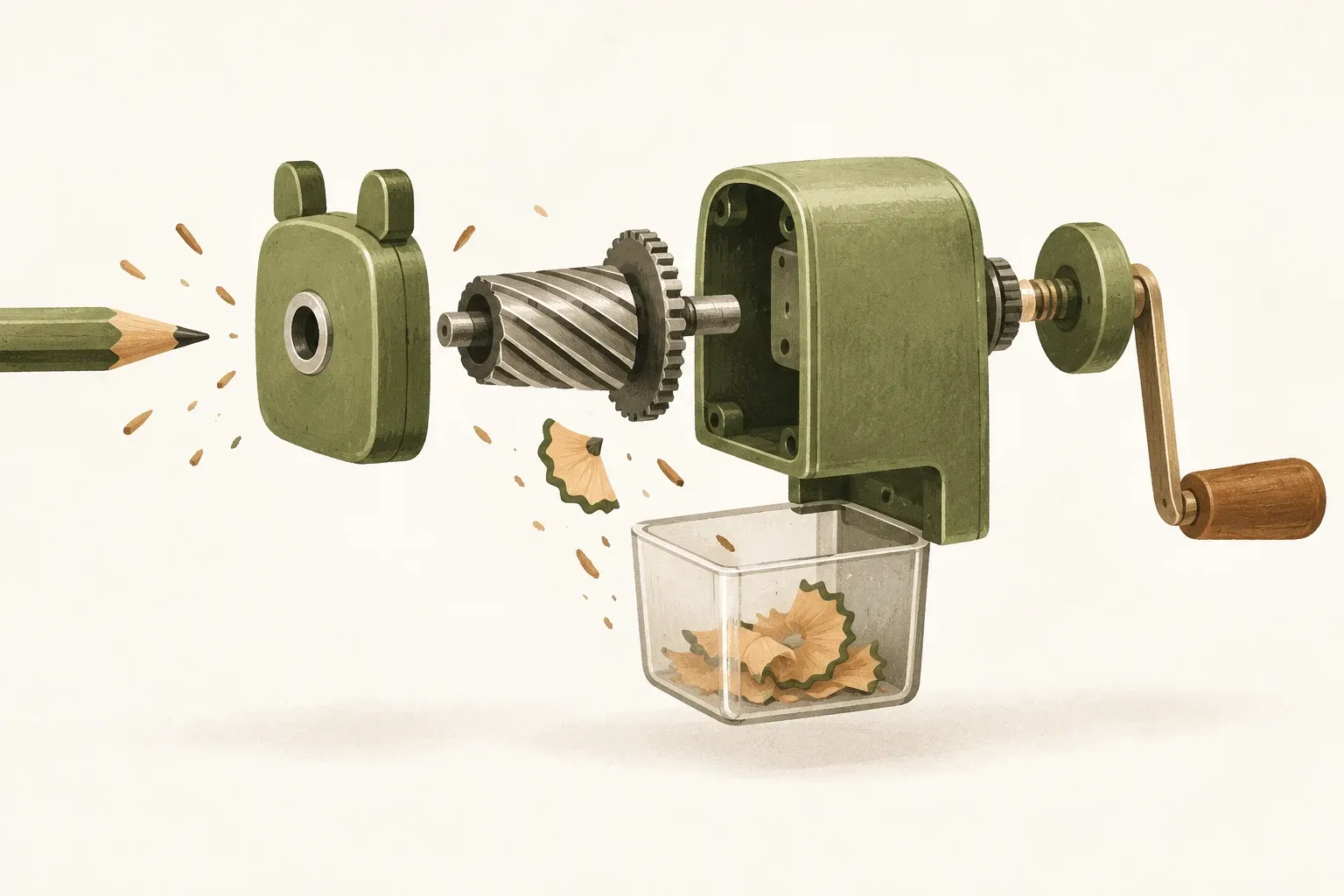
An exploded view shows how separated parts fit together
Exploded view shows parts of an object separated from their assembly positions. It also makes it possible to see which parts are related to which parts. The arrangement of the image must preserve the direction, proportion, and order of the parts enough to explain the structure. Merely placing the pieces so far apart is not enough. If the source information is wrong Realistic images can still teach the wrong mechanics.
Names found on Skills.sh include: explodedview In charikshith/skills and similarly named skills. This article reviews the first at commit bad8ae51 which aims to create viewer 3D in HTML and compare it with the command /explodedview In Visual Commands from natan-webs which invokes an image-generation tool. Identical command names do not establish identical output file types.
Inspect manufacturer images before AI-generated images
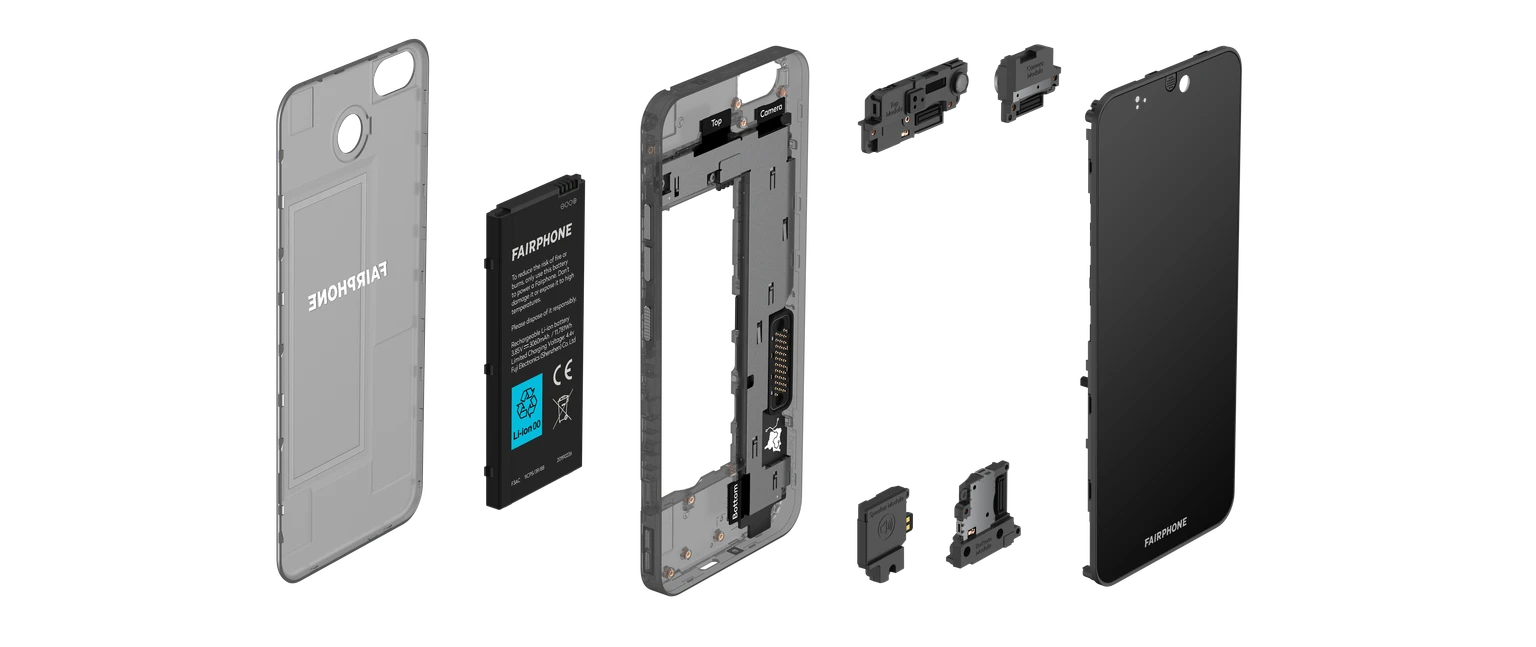
Start with the device's main structure, then examine how separated parts originally fit together. Manufacturer images help establish positions and component groups, but one still image cannot establish repair order, required tools, or battery precautions. Read the actual model's manual for those details.
Before asking AI to explain an object, decide whether the visual teaches structure or provides practical assembly instructions. Assembly requires stronger evidence and expert review. Conceptual images are not CAD drawings and do not specify engineering tolerances.
Prepare and verify still images and 3D viewers differently
| Source | Expected direction of results from the source | What you need |
|---|---|---|
| charikshith/skills: explodedview | HTML with viewer 3D, parts list and assemble/separate buttons | An agent that creates files from the template, and a WebGL-capable browser |
| natan-webs: Visual Commands | Visual direction instructions for the host's image-generation or editing tools | Install Visual Commands and have a working visual tool. |
The viewer instructs an agent to describe parts in JSON and render with basic geometry and preset materials. It lists explosion sliders, rotation, isolated parts, and assembly steps. This article did not run the example to verify every control or device.
A still image does not let you rotate the geometry as a 3D viewer does. A viewer built from basic shapes is still an explanatory model, not a reconstruction of a real product from one image. Without reference data, AI cannot know the positions of hidden screws or mechanisms.
Prepare component lists, models, and units before requesting work
For a viewer, the original guidance recommends specifying the model or object type, actual dimensions, a single unit system, and main explosion axes, with parts listed in assembly order. Repeated small parts may be grouped to avoid clutter. If dimensions are unknown, label proportions as hypothetical instead of supplying credible-looking numbers.
Hypothetical brief: Use explodedview to explain a generic retractable pen to beginners. Read attached component information first. Show the barrel, refill, spring, and click assembly as supported, separated along the long axis. Use Thai and identify simplified mechanisms and unknowns. Create educational HTML without claiming a manufacturing design or repair guide.
Include references you have permission to use, such as a manufacturer’s manual or exploded-view image. Avoid asking AI to “make it realistic” when the internal components are not documented. Realistic materials can still depict the wrong mechanism, so check appearance and mechanical accuracy separately.
Choose a skill for the output you need and check its license before installing
If you need a viewer, open the listing explodedview on Skills.sh then inspect the original folder and repository prerequisites before adding only the skill. The reviewed snapshot contained a bundled Three.js license but no repository-level LICENSE. Do not assume the library license covers every template and code file. Check rights with the owner before redistribution or commercial use.
For a still image using MIT-licensed Visual Commands, read that source's installation instructions and use the skill name visual-commands Then issue a visual command like the example below. This does not create the other repository's 3D viewer.
/explodedview /technical /whitebg /16:9
แสดงชิ้นส่วนตามเอกสารที่แนบ รักษาสัดส่วน ระบุว่าเป็นภาพอธิบาย และไม่เติมชิ้นส่วนที่ไม่มีหลักฐาน
Visual Commands instructs the agent to check component relationships and avoid inventing meanings for unknown commands. Compare the resulting image with the actual parts list; instructions alone do not guarantee an accurate image.
Check the number, position, and interactions separately.
- Number and name: Are there any duplicates, missing pieces, or changed functions? Do the labels match the items?
- Assembly: Do axes and sequence match actual data? Do parts intersect or hide important joints?
- Scale: Do all parts use the same units, or is any simplification labeled? Does transparent material reveal the interior while misleading viewers about the real object?
- viewer: Try assembly, explosion, rotation, backward steps, and reset. Check mobile readability, keyboard use, and WebGL-unavailable behavior.
Template validation checks file structure or rendering, not mechanical facts. For teaching, ask someone unfamiliar with the object to explain how parts fit and check against evidence. For conceptual visuals with interacting behavior, read Anatomy articles It can be added, but choose tools based on the question viewers should answer
Sources
Source reviewed October 21, 2026, pinned to cited commits. This explains documentation without installing or testing the skill. Thai examples are hypothetical KrobClick scenarios. The AI-generated cover is not output from the described skill.