
Generate Unique Passwords with KrobClick: Choose Length and Store Them Securely
Adding a new number to a reused word leaves passwords related. Generate a long random password for each account and store it in a suitable password manager.
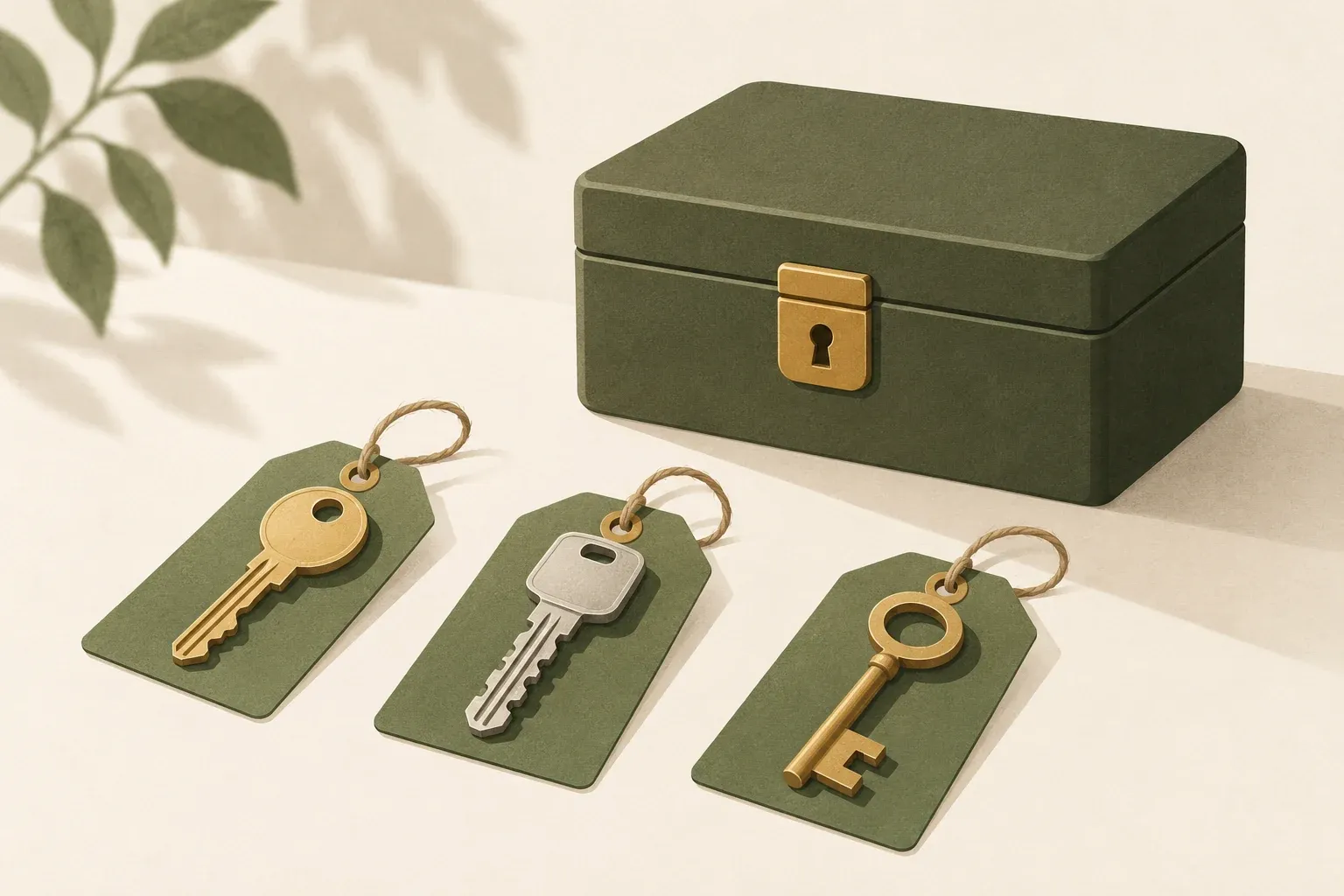
A good password should be long, unique, and stored in the right place.
Password reuse puts other accounts at risk when one service is breached. Guidance from NIST supports using distinct passwords for different services and storing them appropriately in a password manager.
KrobClick's random password generator lets you choose length and character types. The page and project code show browser Web Crypto API randomness and on-device processing without sending passwords to KrobClick servers. Regeneration does not compare against your other passwords. Assign one per account yourself; this is not a guarantee of absolute worldwide uniqueness.
Set up the password generator
- Open Password generator page and set the length. The default is 20 characters, with the current slider allowing 4–128 characters.
- Choose character sets accepted by the destination: lowercase, uppercase, numbers, and special characters. Follow the site's actual restrictions.
- If similar-looking characters are a concern, you can exclude characters such as 0 and O. This reduces the available character set.
- Click Generate New Password and save it in a trusted password manager. Avoid public chats and shared documents.
- Set that password only for the account you are signing up or changing your password for. Do not reuse it with another service.
The default of 20 characters is a starting point, not a universal rule for every website. NIST sets requirements for password verifiers: passwords used as the sole factor must have at least 15 characters. Individual services may impose different rules. See NIST password requirements.
The tool generates a password immediately on opening and regenerates it when settings change. Deselecting all character types prompts you to select at least one. Check that the copied password is the latest before saving. The accepted 4-128-character range does not imply that a 4-character password suits important accounts.
What the entropy estimate can and cannot tell you
The displayed Entropy estimates the search space from password length and the selected character pool. A larger pool permits more possible combinations.
The current code estimates Length × log₂(Number of characters in selected set) and rounds to an integer. For 26 lowercase English letters and a length of 20, 20 × log₂(26) ≈ 94 bits. This is a calculation example, not a password to use.
This model assumes each position is selected independently and equally from the same set. The tool also ensures every selected character type appears before shuffling. The displayed value is therefore not the true entropy of the full distribution and should not be converted into a fixed cracking time.
The displayed entropy does not guarantee that an account cannot be stolen. Security also depends on phishing defenses, password storage, the website’s login system, and account settings. Even a long, randomly generated password is exposed if you are tricked into entering it on a fake website.
Common mistakes after generating a password
- Generating without saving: Forgotten passwords can result in frequent account resets, so keep them in a password manager with appropriate protection.
- Clipboard exposure: Applications or clipboard history may retain a copied password. Check where you paste it and clear retained history when appropriate.
- Reusing across accounts: Randomizing it once and then using it for every service defeats the important benefit of account-specific passwords.
- Believing a password alone is enough: Where supported, enable multi-factor authentication or use passkeys as appropriate.
Limitations of the tool and things you should check yourself
This generator is not a password manager, does not check account breaches, and does not verify websites before entry. If a destination limits length or characters, follow its rules while preserving as much length and uniqueness as possible.
NIST does not mandate a fixed mix of uppercase, lowercase, digits, and symbols for user-chosen passwords. Character-set options accommodate service requirements; they do not prove every category is required for safety. See NIST password requirements.
Create one password per account, then manage the rest of the login process
Start with important accounts that still reuse passwords. Choose a length the service supports, generate a new password, and save it in a password manager. Enable additional protections where available. After generation, check that each account has its own password and that you store it securely, alongside the strength score shown by the tool.
Sources
- NIST SP 800-63B: Authenticators
- NIST SP 800-63B: Customer Experience Considerations
- NIST: Digital Identity Guidelines FAQs
Reviewed KrobClick main settings and tool metadata and NIST documentation on October 15, 2026. Checked random-generation code and preview steps, not an independent security audit or statistical randomness test. Displayed entropy is an estimate, not certification.