
What is OpenHands Agent Canvas? Managing coding Agents
Running several coding tasks means managing conversations, files, terminals, and models. Agent Canvas brings these controls together, while the connected backend and workspace determine where the Agent runs and what it can access.
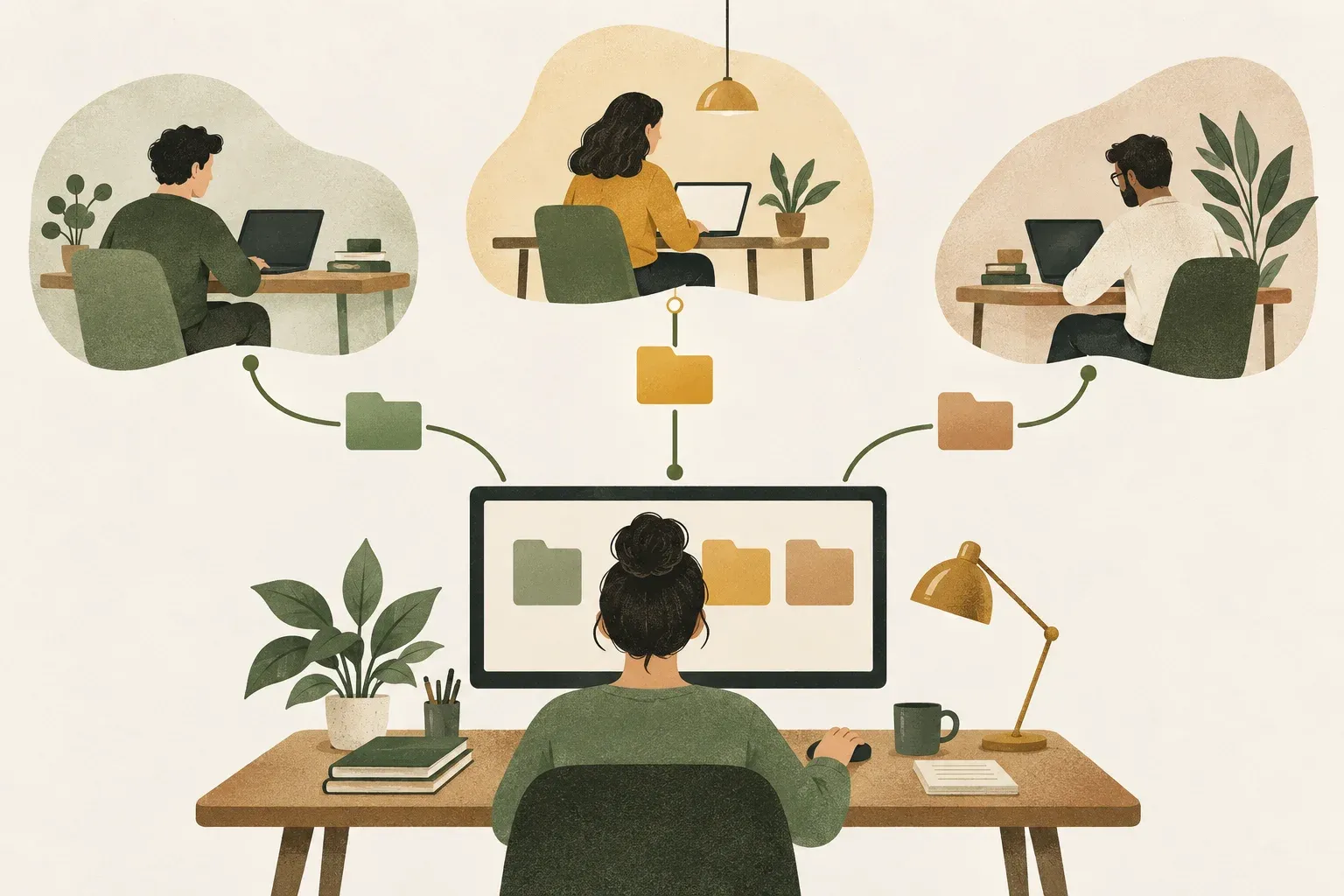
Agent Canvas is OpenHands' control interface
The OpenHands documentation describes Agent Canvas as a browser interface for conversations, files, terminals, model settings, backends, and automations. It connects to services that run the Agent and tools. Loading the interface does not establish readiness: model access and file locations still require configuration.
Several conversations on one screen do not necessarily constitute a collaborating team or automatic review process. This article explains the relationship between the interface and execution environment so users can choose the workspace and assess results.
Distinguish the interface, backend, workspace, and model
The browser interface is where you chat and review work. The backend manages execution and state, the workspace holds the files, and the agent uses a model to process tasks. These parts may run on different machines, so check which system and files you are connected to.
For example, you might open Canvas on a laptop and connect to a VM backend with another repository copy. Selecting the wrong workspace could put edits in a copy that will not be delivered. Confirm the backend and path before starting, then verify the resulting files.
Start with one backend and a small task
The guide lists Node.js 24 or later and uv for the npm or npx route. Docker is another option if you need to configure mounts. This command downloads the components that run locally.
npx @openhands/agent-canvasAfter startup, check the backend connection, configure a model, select a workspace, and start a conversation. Begin with reading files or a reversible sample edit. We did not install Canvas or connect a provider, so we do not establish that it runs on this machine. See the upstream installation guide for current steps.
Multiple conversations still need file ownership
The documentation separates each conversation's history and settings and associates it with a backend. If workspaces touch the same files, however, the operator still needs to assign ownership. Separate histories do not automatically create separate repository copies.
KrobClick's suggested trial starts with one task investigating the cause and another reviewing the resulting proposal, with only one file writer initially. For concurrent work, separate the workspaces and define how results are combined. This is a usage proposal, not a claim that the system always establishes that workflow for you.
The control interface does not itself isolate machine access
The installation guide warns that a backend running directly on a machine uses that user's permissions. The Agent can read, write, and execute within that environment. Containers or VMs help define boundaries, but mounts, network access, and exposed secrets still require inspection.
Before using real data, check which provider receives context and which credentials the backend can access. Do not expose the service to a network merely because it works locally. Follow the project's self-hosting guide for remote access.
Check workspace files and test results before accepting the work
Confirm the repository, branch, changed files, and checks run in the same environment. A completion message without artifacts still lacks important evidence. Report stalled or failed states separately from successful code changes.
For queues and persistent work ownership, read the OpenRig article which addresses another layer of team coordination. For checking files and execution results, see How to verify an Agent's work
Sources
- OpenHands/docs: Documentation for the referenced version
- OpenHands: Agent Canvas Overview
- OpenHands: Install Agent Canvas
- OpenHands/OpenHands
Reviewed OpenHands/docs commit 10f5b5320c6338f034611ba0bff02a125b1071bb on October 30, 2026. We did not install or test Agent Canvas. This explanation is based on developer documentation, not KrobClick runtime results.