
OpenAI Dots: Ongoing Tasks, Setup, and Permission Controls
Ordinary AI chat starts with a message. OpenAI Dots is designed for work lasting beyond one conversation, with its own workspace, pending-task tracking, and reports when results or important questions arise. The change involves continuity and action across tools alongside model capability.

Dots is not a new name for chat rooms.
An easy way to think about it is that a regular chat room is like calling an assistant in for individual conversations, while dot is an assistant who is assigned ongoing responsibilities. We specify goals, sources, and boundaries. It can then track progress, work between conversations, and return with results or decisions requiring human judgment.
OpenAI says Dots runs on GPT-6 Astra, with a cloud computer and browser for each dot. Work can continue while your computer is off, with recorded task state, reviewable activity, and a way to return results.
Dots centers on responsibility, rather than a longer prompt
“Summarize this report” is a one-off task. “Monitor weekly sales reports, compare against targets, alert only when sales fall more than 10%, and prepare team questions” is ongoing responsibility. It requires remembering goals, knowing what to check, deciding when to continue, and recognizing when to involve the owner.
Dots are therefore suitable for tasks that repeat cycles or change based on new information, such as tracking projects. Prepare content from the interview. Check offers from sellers Update product launch documents or pursue software issues based on user feedback. These tasks do not end with a one-paragraph answer. But the context must be preserved and the work must be forwarded in many stages.
Work overview: Goals, context, tools, and approval points
- The task owner defines the outcome: Tells what is required to be kept current. Which criteria are considered important? And when should I be notified?
- Connect only necessary data sources: A dot uses account-authorized apps or plugins, such as email, documents, or code sources, within that connection's permissions
- Work on a cloud computer: It can research, open websites, manage files, or run minor tasks without having to rely on our machine being open all the time.
- Maintain job status: Activity records progress, scheduled work, and delegated tasks for later review
- Stop at points requiring a human: Actions affecting an account, sharing information, or handling sensitive matters may require approval or human takeover to complete the step.
The dot's computer is separate from yours
Each dot has a cloud computer separate from your device. Cloud-browser login sessions differ from local Chrome or Edge sessions. Sites requiring login may prompt you to enter credentials privately or temporarily take over the browser.
Personal computer connectivity is optional and disabled by default. When you enable dot, you can work with files, programs, local skills, or create Work and Codex tasks on that computer. The device must be online and have the ChatGPT app open. This connection is separate from the app and messaging channels. So adding a dot to Slack doesn't mean it automatically accesses local files or email boxes.
Manage memory for ongoing work
dot can use context from conversations, ChatGPT memories, and notes made about preferences, decisions, and ongoing tasks. This is why we can come back and change priorities without explaining the entire project, and talk to the same dot via ChatGPT, phone, Slack, or Teams without creating a new one on every channel.
Turning off Memory stops new sharing but does not delete information a dot has already received. Disconnecting a plugin stops future access without deleting existing context. OpenAI currently says individual dot memories cannot be viewed, edited, or deleted separately. To delete its context, delete the dot following the guide. Files, conversations, and Codex tasks it created are stored separately and may remain.
Proactive research does not equal permission to do everything.
Dots can proactively inspect connected data and keep private notes to identify follow-ups. OpenAI's safety documentation adds restrictions for background research: tools in this mode cannot message others, edit content through plugins, or directly control browsers and computers. Further actions remain subject to normal action rules and review.
The term “always-on” does not describe unrestricted authority. Monitoring information, proposing actions, and changing data require different levels of permission.
Which actions require approval in Dots?
For supported actions, Custom Rules can allow execution without asking, require prior approval, require confirmation every time, or return the step for you to perform. These rules cannot disable baseline safety requirements or automatic review.
The most sensitive actions, such as changing your password or transferring money Must be controlled by humans Permanently deleting data or installing software may require approval from time to time. Even with protections in place, OpenAI warns that dot can still make mistakes. and some actions cannot be reversed Checking important results is therefore still the responsibility of the work owner.
The risk isn't just the AI giving the wrong answer.
When agents read websites, emails, and documents, they may encounter prompt injection: instructions trying to trick them into actions outside the request, such as hidden directions to send data to others. OpenAI uses layered defenses including plugin permissions, specific rules, action reviews, and monitoring, while acknowledging that risk cannot be eliminated entirely.
Start with a small scope, minimal permissions, draft-before-send rules, and periodic Activity reviews rather than connecting everything and leaving it unattended. Take particular care with customer data, finances, accounts, and organizational communications.
How are Dots different from chat, time-based tasks, and automated assistants?
| Format | When does it start working? | Maintain continuous context | Suitable tasks |
|---|---|---|---|
| General chat | When we send a message | within the conversation context and relevant Memory | One-off questions, analysis, or deliverables |
| Scheduled tasks | according to the specified time or cycle | Limited according to the set work | Reports or checks on a defined schedule |
| dot | According to assigned work, schedule or related changes. | Track goals, decisions, and ongoing tasks. | It is a responsibility to adapt and ask for decisions along the way. |
Dots doesn't make time-based tasks or chat rooms unnecessary. Simple tasks with a certain time and result are also suitable for fixed automation. As for questions that are completed at one time, there is no need to create long-term responsibility for dot. The selection should be based on continuity. uncertainty and the number of points that require judgment
Example prompt for assigning ongoing work
An assignment should specify duties, sources, notification criteria, and authority. For example:
Help oversee the launch plan for this website. Track work items and messages in connected team channels. Every workday morning, check to see if there is a deadline within 7 days or if there is any work that is at risk of being delayed. You can update your tracking list. But always make a draft of the message for me to check before sending. Notify me immediately when deadlines are at risk or budget changes.
This statement is clearer than saying “Please take a look at the project” because it specifies things to watch, frequency, and important conditions. Things you can do yourself and things that must be approved After seeing the results of the first round, misunderstandings should be corrected before increasing the scope of work.
Who has access during launch?
As checked October 29, 2026, Dots is rolling out to eligible Pro users outside the European Economic Area, the UK, and Switzerland, and to eligible Business Premium workspaces in supported regions. Enterprise workspaces require admin activation. Users must be 18 or older; workspace settings and residency requirements may also affect access.
The guide checked October 29, 2026 supports creating a dot in the latest ChatGPT app on iOS or Android, the desktop app, or desktop web. Mobile web remains unsupported, and connecting messaging channels such as Slack requires desktop. Access still rolls out by account; check eligibility and update the app before setup.
Questions to ask before assigning work to dot
- Does this task need ongoing monitoring, or is one question enough?
- Which sources need to be connected, and which permissions can be removed?
- Which events need immediate alerts, and which can be grouped into reports?
- Which actions may run independently, which require drafts, and which need human takeover?
- Which results have such high impact that the source must be checked or rechecked every time?
- When the project ends, which scheduled tasks, connections, or context must be stopped, disconnected, or deleted?
Dots can take on ongoing work, but its usefulness depends on clear responsibilities and scope. Permissions broader than the task requires add risk. The owner still needs to define responsibility, how results will be checked, and which decisions require their involvement.
Official sources
- OpenAI Docs: Meet dots
- OpenAI Help Center: Getting started with your dot
- OpenAI Help Center: Dots privacy, security, and safety FAQs
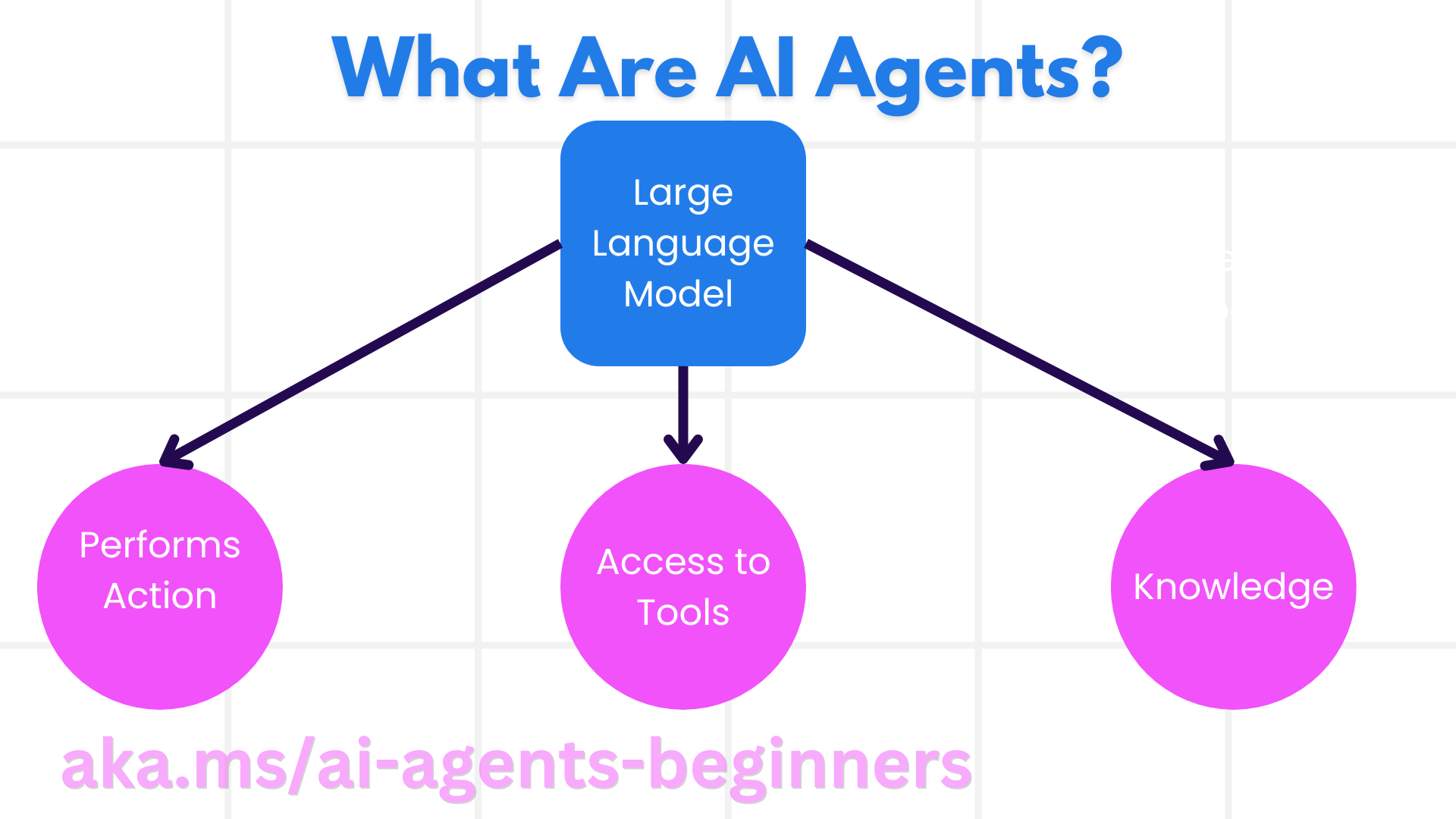
Official OpenAI setup and safety FAQs additionally checked October 29, 2026, including mobile-app creation and context deletion. Access varies by account, region, and workspace policy. The Microsoft agent-components figure is conceptual, not a Dots architecture diagram.