
Gemini Skills: Reusable Instructions and Their Limits
If you repeatedly explain style, tone, and conditions, prompt rewriting can consume the time saved. Gemini Skills stores reusable instruction packages. This article explains differences from ordinary chat, suitable tasks, and boundaries.
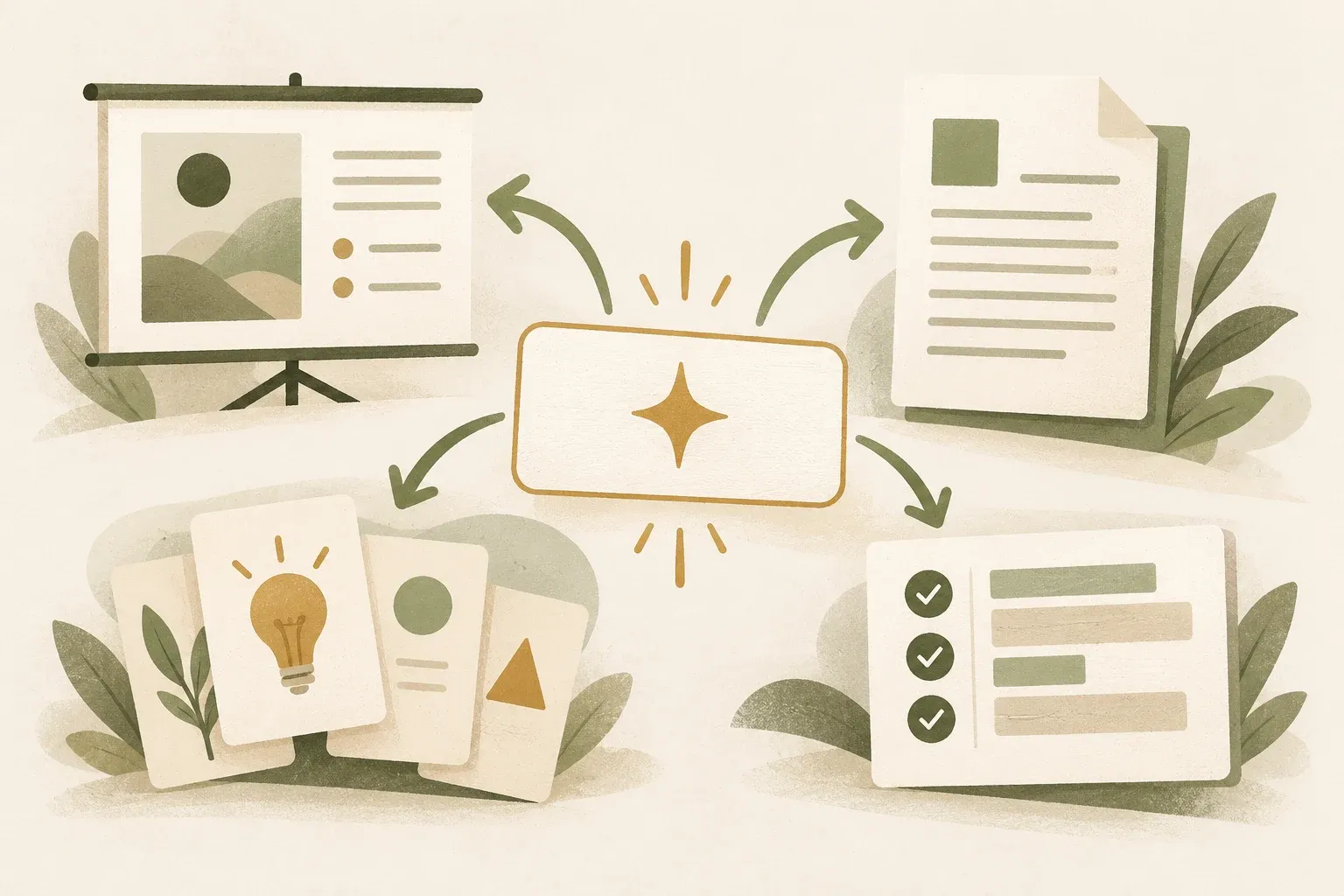
Gemini Skills are a set of saved and reusable commands.
Gemini Skills packages frequently used instructions for reuse. Invoke a Skill with / followed by its name, then supply the inputs for the current task. Think of it as a reusable working template rather than a one-line prompt.
Google says Skills can include instructions, output formats, and reference files such as documents, PDFs, or images. Multiple Skills can work together, for example one for tone and another for article structure.
Which tasks suit a Skill?
- Repeat often: such as summarizing reports, preparing slides, drafting meeting questions, or consistently formatting text
- There are clear criteria: Tell what topics must be included for good results, what must not be included, and what format must be exported.
- Change only the input: The main flow remains the same, but the topic, client, or source document changes with each cycle.
- A common approach must be maintained: such as brand guidelines, quality-review procedures, or shared team questions
Tasks with unclear or constantly changing goals, or high-impact decisions requiring case-by-case judgment, may not suit full automation. Use a Skill as a starting point and have a person review the results before acting.
How to design a skill for consistent results
Clearly define what the Skill receives, does, and produces. Separate requirements that always apply from inputs for the current task. For example, a meeting-summary Skill might require decisions, owners, deadlines, and unresolved issues, while actual meeting notes change with every run.
Include verifiable constraints: use only information in the supplied document, flag uncertainty, and follow a consistent date format. One good example may help. Adding documents without a clear purpose does not guarantee better answers.
Hypothetical meeting-summary Skill test: prepare three notes, one with complete owners and deadlines, one missing owners, and one rescheduling a meeting. Acceptable results extract names and dates from that version, mark missing fields as not found, and never borrow dates from prior work. Retain the Skill version and case results before reuse. This is KrobClick's test plan, not Gemini feature results.
Reference files add context, but rights and personal data need consideration
Attachments give Skills relevant manuals, procedures, or examples, but check for personal data, trade secrets, or information recipients should not see. Naming a Skill Internal Use does not replace file and account access controls.
Reference files may also become outdated. When processes or requirements change, assign a Skill owner and review date rather than letting old instructions continue unchecked.
Gems are being replaced by Skills.
Google says Skills will replace Gems with planned automatic migration. Retirement dates vary by account type. Personal accounts should check changes from November 2026; some Workspace customers are scheduled for 2027. These dates reflect the announcement and may change.
Before migrating, identify which Gems are still used, remove duplicate instructions, review reference files, and test the migrated results. This avoids carrying obsolete instructions into the new setup.
Assign an owner and define result checks before reusing a skill
Gemini Skills stores instructions as reusable steps. Define their scope, result checks, and who is responsible for important decisions. When instructions, reference files, or permissions change, review and test the skill before continuing to use it.
Sources
This article refers to Google’s announcement of 7 October 2026. Availability, Gems migration dates, and features may change. Check the current product page before use. This is general information, not individual financial, investment, legal, or tax advice.