
Gemini Context Caching: Repeated Documents and Costs
A chatbot reading the same manual for every request may resend substantial data. Can that repetition be reduced without using the wrong document version? Context caching is a mechanism worth understanding before designing the system.
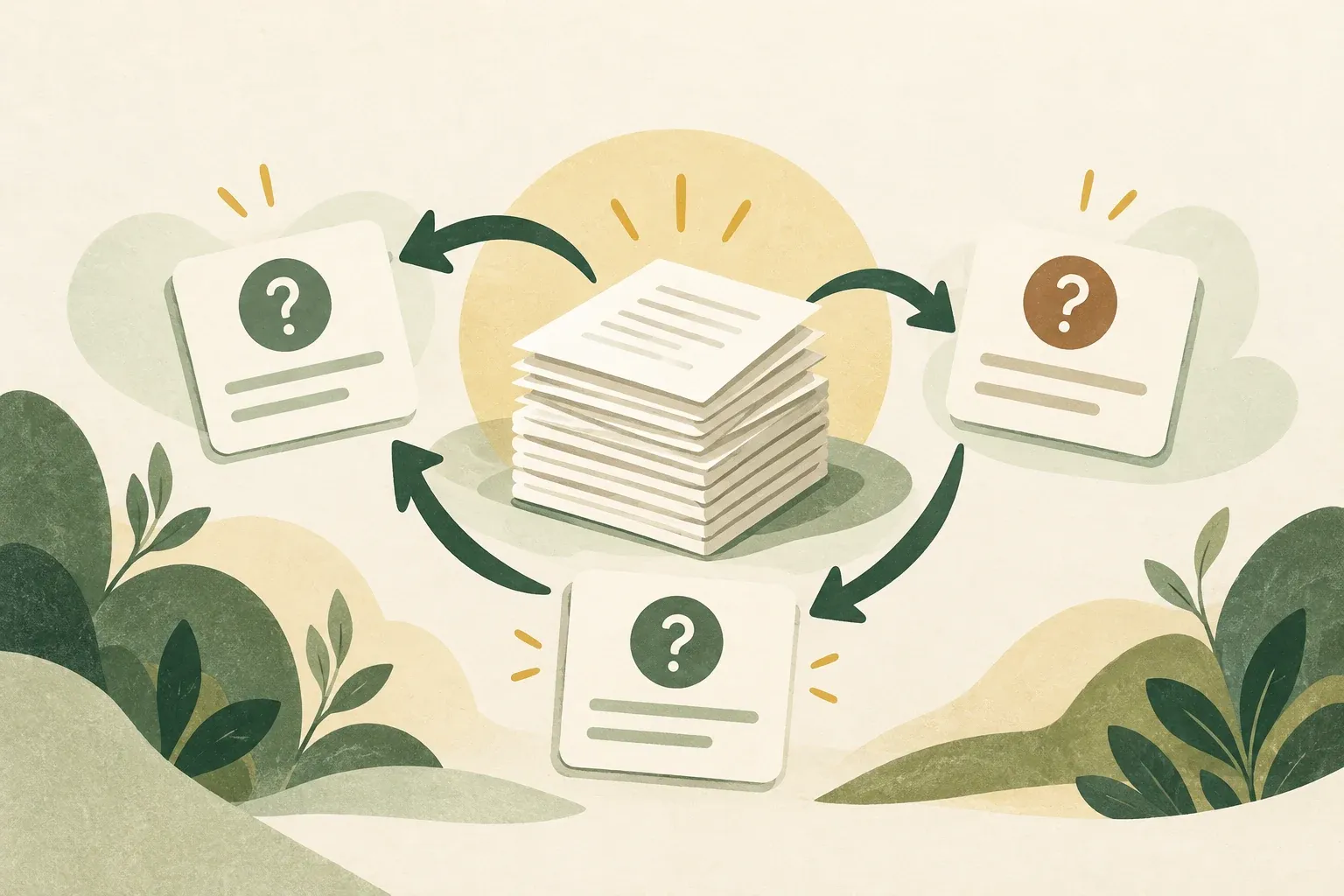
Caching can reduce costs when requests reuse the same prefix
Context Caching reuses context such as system instructions or the same documents for later requests instead of processing those parts like fresh input every time. But it does not guarantee correct recall and does not enlarge the context window
Documents Gemini Context caching distinguishes implicit caching, which automatically tries to match repeated prefixes, from explicit caching, where developers create cache objects for supported models and APIs
Check which caching methods the model and API support
| Issue | Implicit | Explicit |
|---|---|---|
| How to begin | The system automatically detects repeated prefixes | The developer creates the cache object. |
| Expecting a cache hit | Not guaranteed for every request | Reference a cache created under the relevant conditions |
| Limitations | There are version conditions and a minimum number of tokens. | Depends on API/supported version There may also be a time-based storage fee. |
According to documentation checked October 29, 2026, Interactions API supports only implicit caching. and explicit caching is unsupported from Gemini 4 Argon onward. For supported older models, documentation recommends generateContent Check both model name and API endpoint before designing the system; do not generalize that all Gemini APIs support caching
Page Gemini API pricing checked on October 15, 2026 describes context caching in its Paid-tier overview, while some model and service-tier tables also show cached input under Free. Check the specific model and tier rather than assuming all caching is free or all caching requires payment.
For Gemini 4 (Argon and newer), Google documents an additional multi-turn and agent-loop condition: the full previous request is cached when the new turn adds at least 2,050 tokens, including model output, thoughts, and function results. With smaller additions, the last 2,050 tokens of the previous request are processed again at the normal input rate. The hypothetical 19 cache hits below therefore cannot guarantee a budget.
Hypothetical example: A 10,000-token manual and 20 questions
Suppose an app must send a manual of 10,000 input tokens for each of 20 questions, excluding question and answer tokens. Without cached-input billing, repeated context totals 10,000 × 20 = 200,000 input tokens
Consider another hypothetical scenario: the first request has 10,000 normal input tokens, while all the repeated content in the next 19 requests is counted as cached tokens. This gives 190,000 cached tokens and 10,000 normal input tokens for the manual alone
Cost formula without assumed prices: (normal tokens ÷ 1,000,000 × normal input price) + (cached tokens ÷ 1,000,000 × cached input price) + cache storage cost (if any) + output cost and other services The above fictitious numbers do not mean that the implicit cache will hit all 19 times, and do not include question tokens or additional tool calls. See current rates at Pricing page
Compare the total cost of the same task at the same answer quality. Time-based cache storage fees may make two uses less worthwhile than repeated queries. Implicit caching cannot guarantee a budget because individual requests may hit or miss.
Organize repeated context and measure cache hits
- Separate Fixed context such as one manual version, from questions that change with each request.
- Place shared content at the beginning of requests when using implicit caching, as Google recommends.
- Use requests with similar prefixes within suitable time windows without assuming every request will be cached
- Check usage information such as
usage.total_cached_tokensin Interactions API or the usage field documented for that endpoint, and compare actual costs with a non-cached approach - When manuals change, check that the app cites the latest version rather than an outdated cache.
For one-off questions on short files or requests using different documents, caching benefits may be smaller than the added complexity
Check answers and data policies even when caching is enabled
Even when input is cached, check whether AI selects the right evidence, cites it correctly, and uses the correct document version. Before sending organizational or personal data, also check the service’s data policy and retention period.
Practical takeaway: Measure how many requests actually reuse context, choose a supported API/model, and check cache hits and post-use costs before deciding whether explicit cache management is worthwhile
Sources
- Google AI for Developers: Context caching
- Google AI for Developers: Optimization and inference
- Google AI for Developers: Gemini API pricing
- Google AI for Developers
Google documentation reviewed October 29, 2026; the caching page was updated October 23. No API calls were made. Figures are hypothetical, not actual prices or guaranteed cache hits.