
A2UI vs. MCP Apps: Choose an Interface for Your AI Agent
Text alone becomes insufficient when agents need forms, tables, charts, or interactive tools. A2UI and MCP Apps connect agents to interfaces with different flexibility, consistency, and security trade-offs.
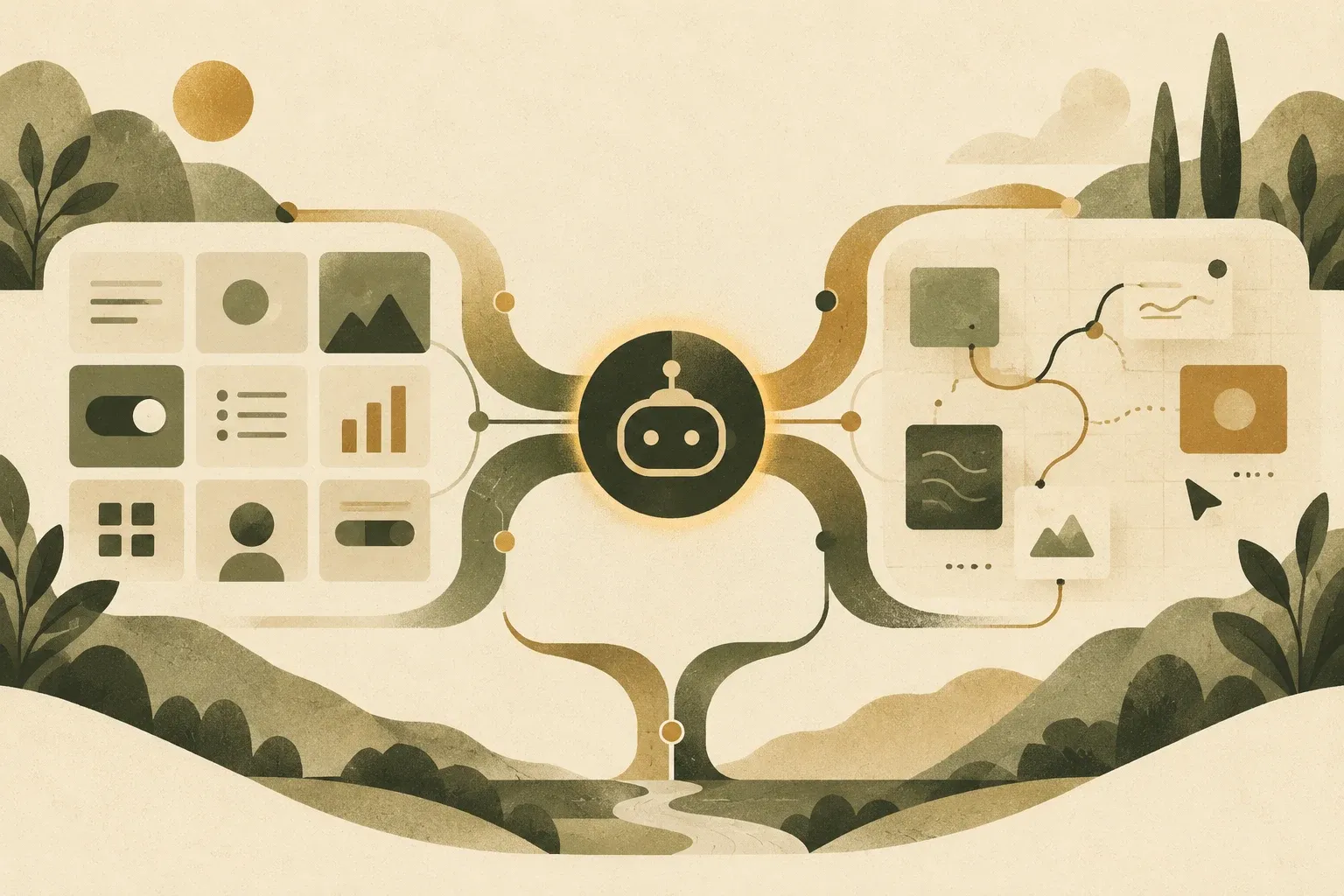
Agent interfaces require more than model-generated HTML
Agent-generated screens must fit the existing app, support keyboard use, work across devices, and prevent untrusted content from executing arbitrary code. Allowing the model to supply HTML, CSS, and JavaScript directly offers great flexibility but adds responsibilities for sandboxing, consistency, and performance.
A2UI and MCP Apps address different needs. The first constrains output to structured data; the second provides a space for more fully customizable web apps.
A2UI sends UI intent for the host to render
A2UI uses a declarative payload, such as JSON, that says it needs a form, table, or card. The host app then selects the allowed components and renders them with its own design system. This allows for a consistent look, native components, and control over what is displayed.
The agent can use only the components and capabilities provided by the host. A2UI alone may not be flexible enough for complex client-side logic or specialized components.
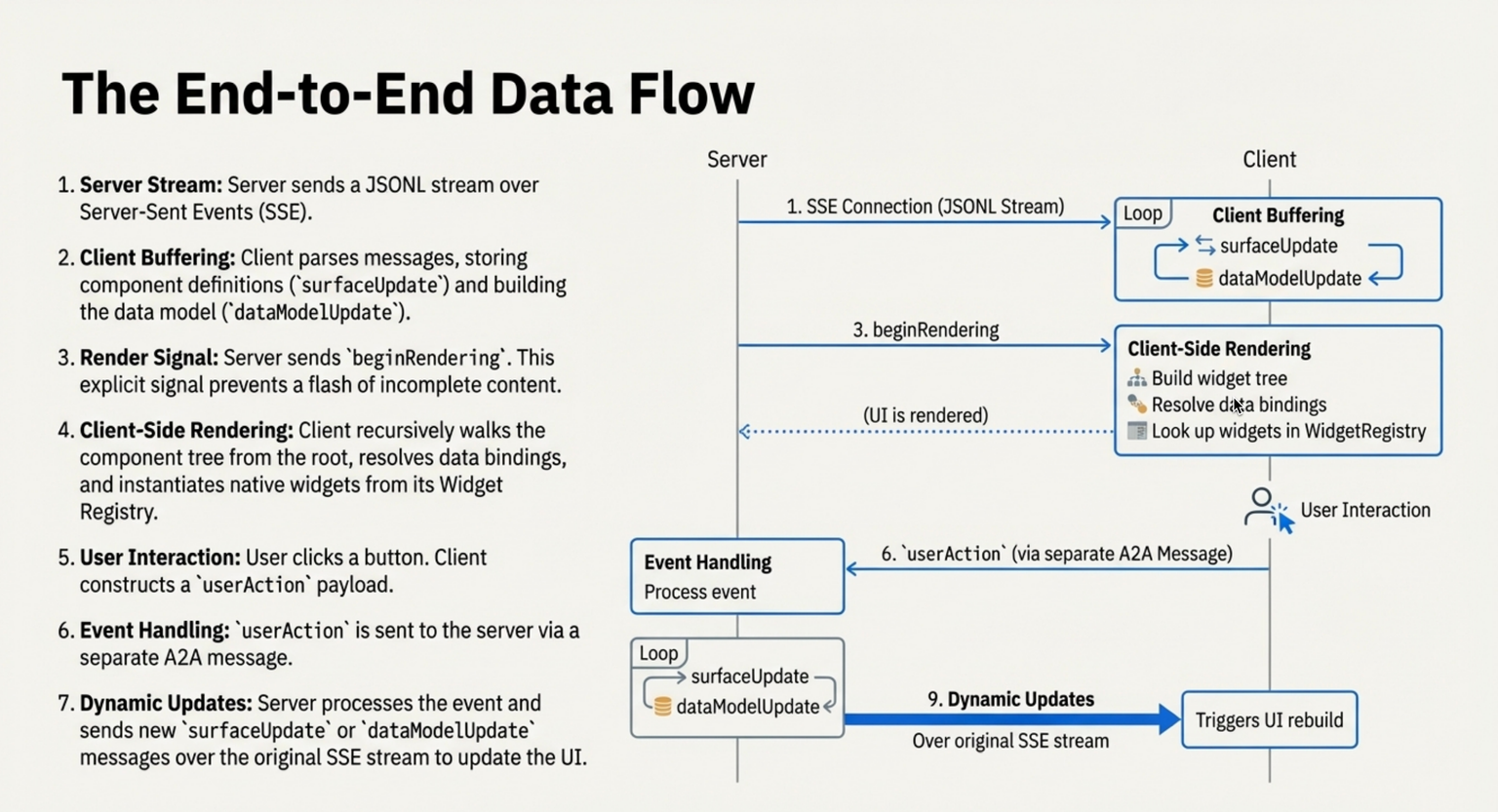
MCP Apps lets web apps run in an isolated space.
MCP Apps uses web technologies and displays apps through iframes, giving developers more freedom to build interactions and use web libraries. This suits editors, visualizations, and tools with complex client-side state.
An iframe may have a different theme from the host, introduce nested scrollbars, and use more resources. Developers also need clear communication boundaries between the embedded app and the host, and must handle their integration and security.
Combine the approaches where each fits
- A2UI via MCP: MCP server sends payload type
application/a2ui+jsonHave the host render trusted components - Use A2UI by default: General forms, tables, and cards use native rendering. For special tasks, we will open the MCP App.
- Embed specific experiences: The main page retains the host's styling and uses an iframe only for portions needing complex logic or visualization
The decision therefore does not require choosing a single technology for the entire product. But you should define criteria for what types of elements can be passed through the component catalog and in which cases custom areas are required.
These three patterns are Google’s proposed architectures and examples, not automatic support in every MCP host. The example MIME type needs an A2UI-capable host, renderer, and compatible component catalog. Test the actual server–host pair before building on the pattern.
Security depends on the capabilities the host allows.
A2UI Reduces the risk of raw HTML because the host renders only known components, but each component may still call important actions, so permissions and information must be checked before executing. MCP Apps are in iframes, but origin, message channel, storage, network, and tools permissions must be restricted.
Either way, high-impact buttons should clearly show the target and request confirmation. Do not assume agent-generated UI always reflects user intent.
Choose based on customization needs and task risk
A hypothetical example to evaluate your options: The order search page has only search fields and tables. Verify that the host's catalog component supports all data and keyboard usage. If you need a specialized editor, note what logic needs to be done on the client side and what additional permissions are required before selecting an iframe. Selecting a display channel does not allow for the actual editing of orders. Rights and points for confirming data changes must be separated separately.
A2UI suits fairly standard interfaces that must match the host and tightly control components. MCP Apps suits specialized tools needing web flexibility. Hybrid designs help products supporting both.
Before starting, list required UI patterns, assess threats, and test accessibility on real devices. Users should be able to understand what is displayed, what an action will do, and where data will go.
Sources
This article is based on Google's architecture proposals and examples as of 7 October 2026. Interfaces and specifications may continue to evolve. The version of the document used should be checked before designing the actual system.